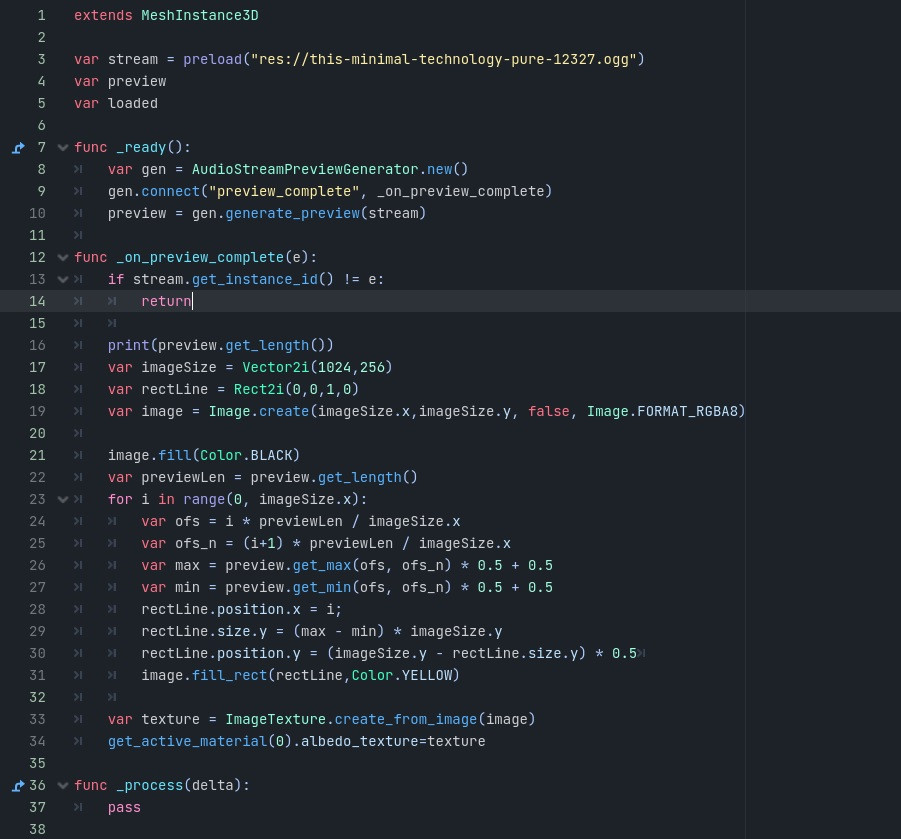
i figured it out, thanks for the help.
Thanks to the pukeman repo, wich does similar thing, https://github.com/v-pukman-gd/godot-audio-waveform-module has more information
Basically what i did on binbows:
Following the guide: https://docs.godotengine.org/en/stable/contributing/development/compiling/compiling_for_windows.html
They list many items you need, but all you need is to install scoop and the rest is just a one liner.
https://scoop.sh/
After you install it, clone godot repo following the guide: https://docs.godotengine.org/en/stable/contributing/development/compiling/getting_source.html#doc-getting-source
or
git clone https://github.com/godotengine/godot.git
Then clone figmans repo:
git clone https://github.com/DerekL0576/godot-audio-stream-preview-module.git
Copy from figmans repo directory godot-audio-stream-preview-module/audio_stream_preview_generator into godot repo dir: godot/modules
so that the complete path in godot dir looks like this godot/modules/audio_stream_preview_generator
Open terminal inside godot dir and type:
scons platform=windows
And it will start "compiling"
On DDR5 5600 ram i7-14700k it took about 10-15GB of ram usage and more than 5 and less than 10 minutes to compile.
Once its done in the godot repo directory will be a new dir named bin. This dir contains .exe files.
BTW, the latest build already has jolt built in, you just need to select it:
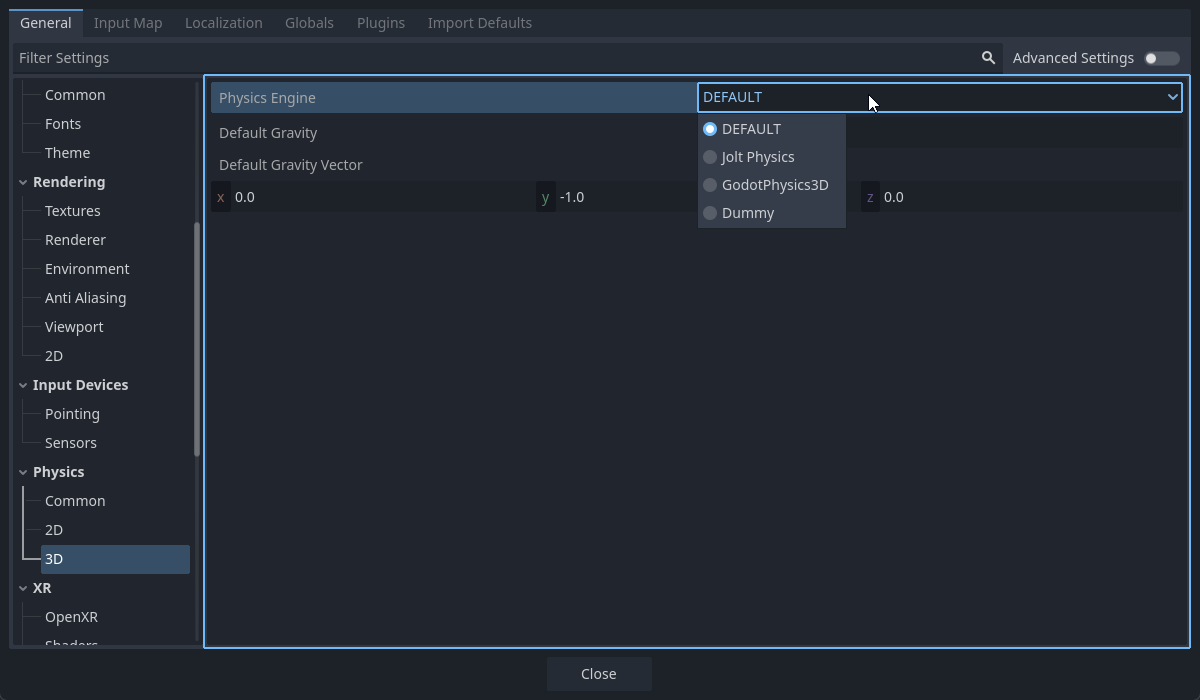
Not sure who is dummy