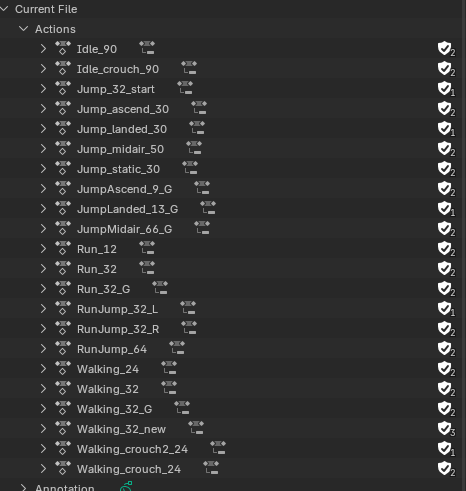
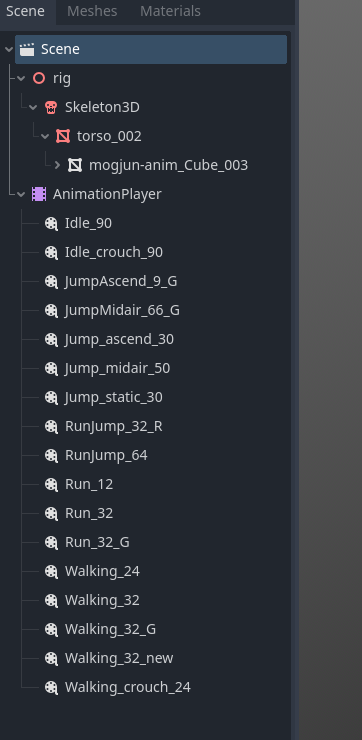
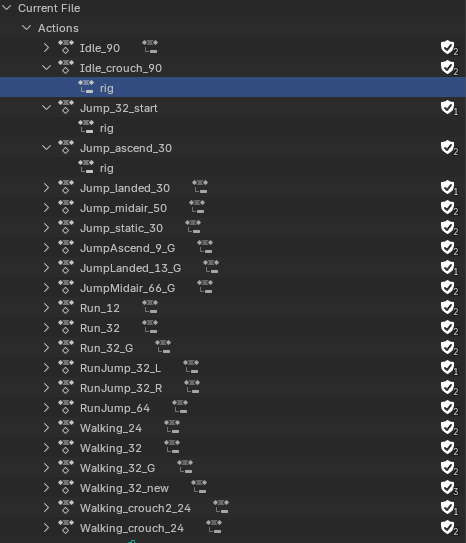
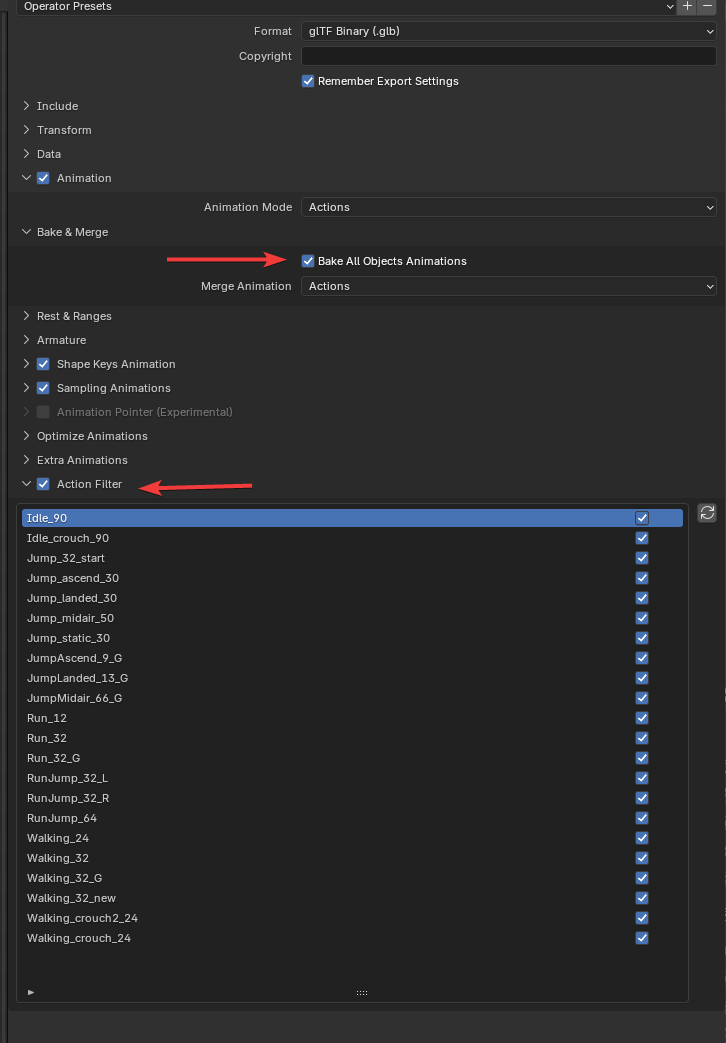
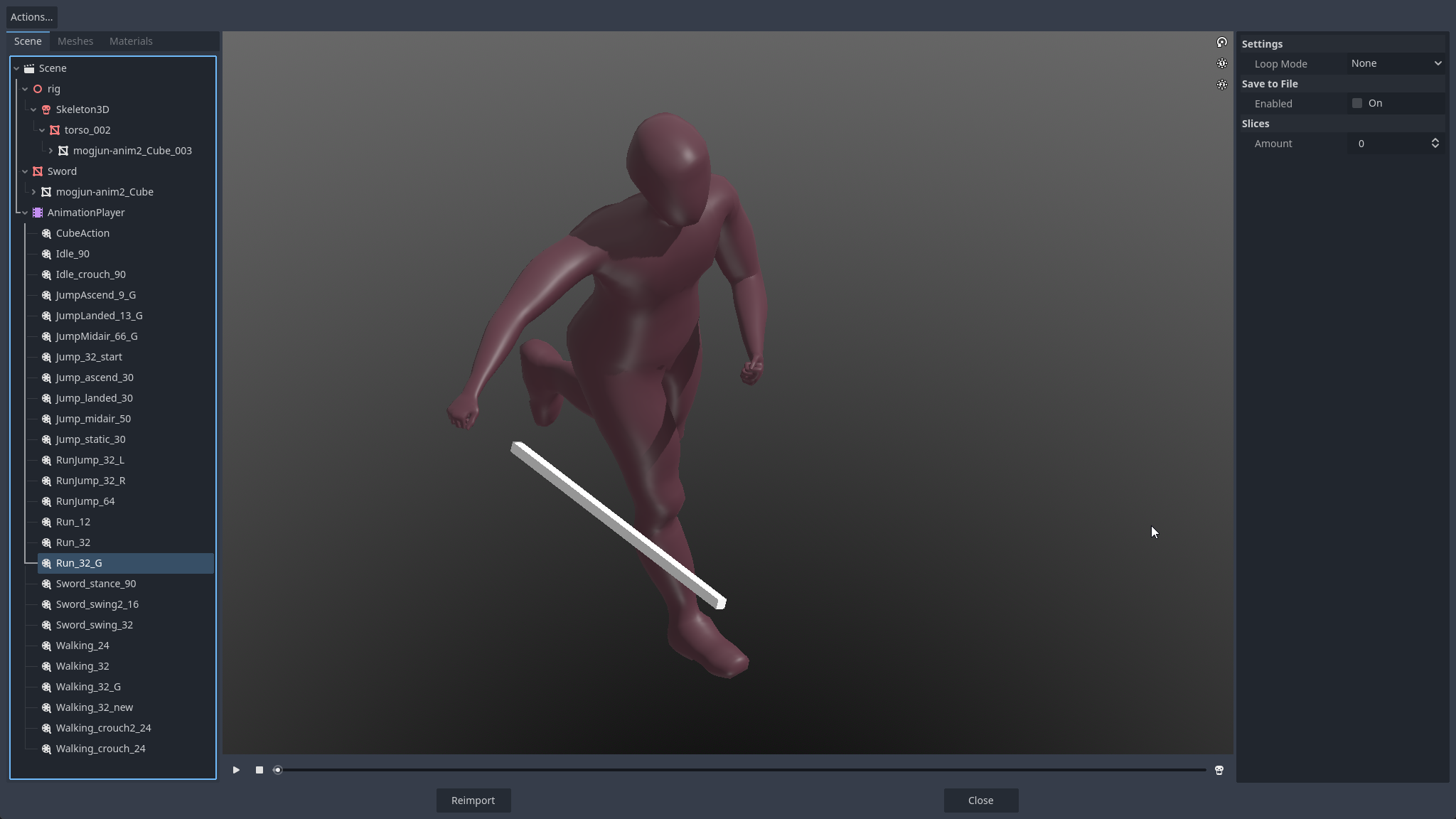
MikeCL That was good. Well, you are still exporting the control rig instead of a clean skeleton without any fancy IK setup etc.
how do you know?
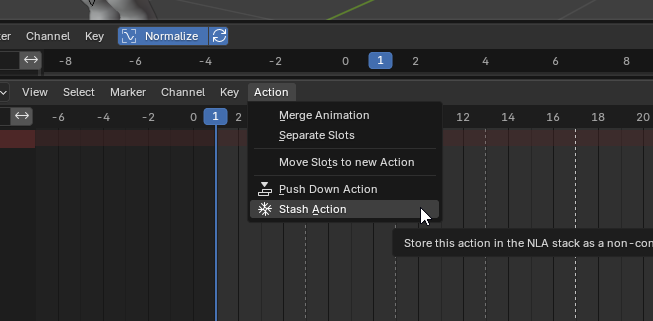
MikeCL Yes. The way I usually work is that I have my "work" file where I have the advanced control rig setup and do all the animations, actions, etc. Then I save that to a separate "export" file where I do all the baking down and preparation for game export. This includes baking down the animation to a separate clean skeleton without any controls, push down all the actions to NLA strips. Just strip it down to its cleanest form to be used for exporting.
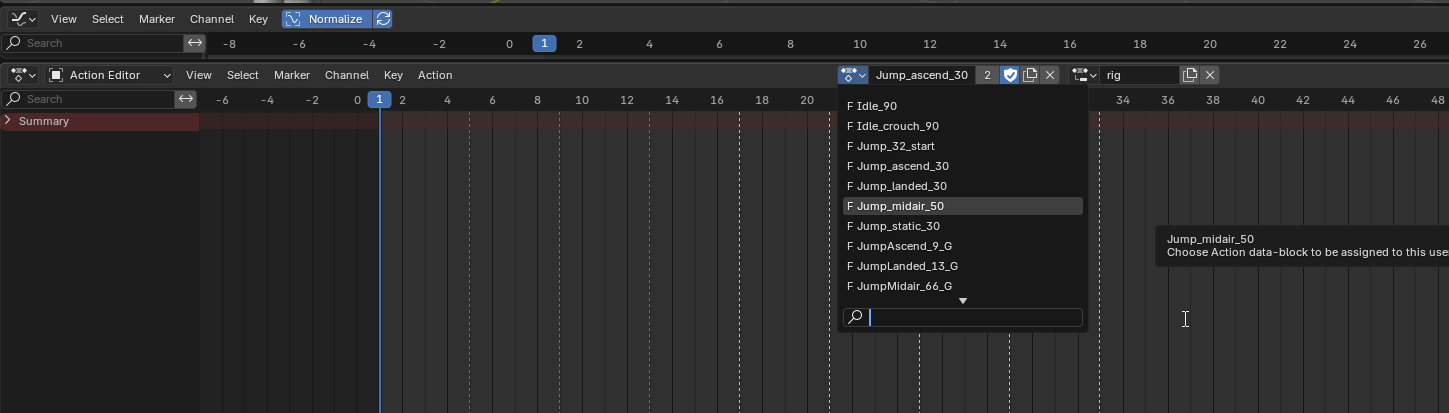
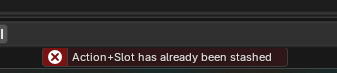
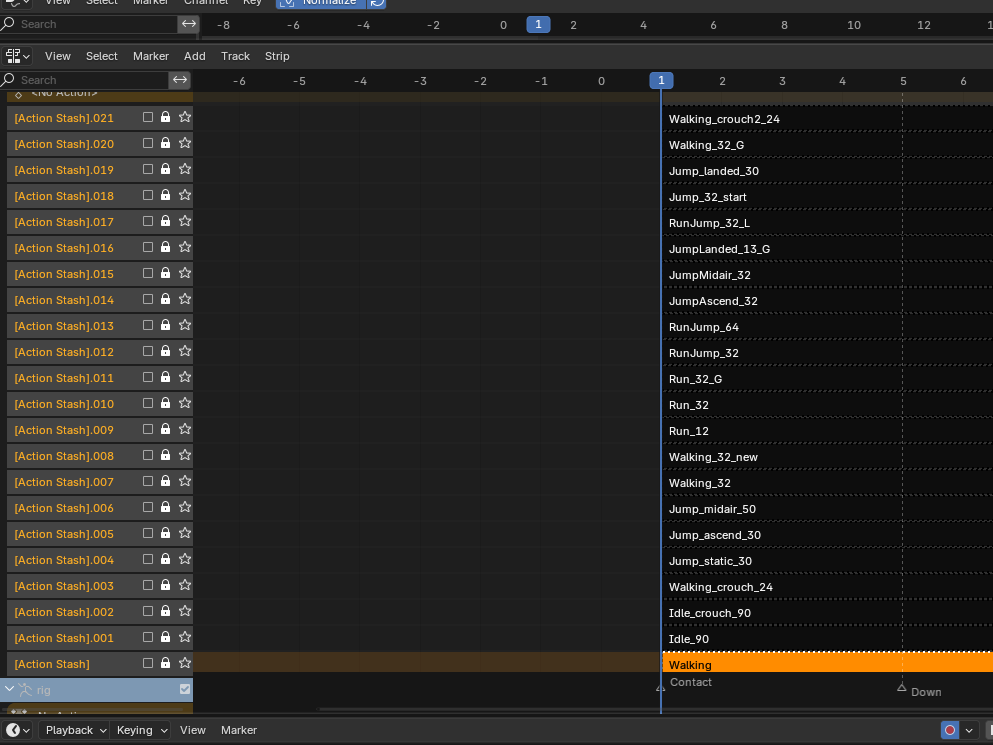
Yes i did an experiemnt, and baked the action to an NLA strip and it worked.. Man.. this complicates the workflow.. Also now i have to rename NLA tracks to correct animation names, as it does not take Action names as a reference when you bake..
MikeCL In Blender you work with curves that can create a smooth transition between frames, so when you animate you don't need to have a keyframe on every frame. If you have dense mocap data, you can clean that up in Blender with some of the tools to reduce the amount of keyframes and convert it to curves. Don't know if this is what you were after? Not sure if it's possible to have that non-destructive, though. The closest way of having this non-destructively is using the NLA editor and layer adjustments on top of each other.
Not at all what i was describing. I was talking about the workflow.. when you bake animation it inserts keyframes at specific intervals, but when the animation is not baked, for instance in my Action action, then i have keyframes inserted where i need them to be, and i can iterate and change stuff along with curves if the end product animation is not what i want it to be..
So yes, TLDR, you need to use NLA tracks if you have IK/FK control bone setups. If you have one set of control bones or you do it raw on deformation skelly, then you can create Actions and export them directly, like i was doing before with walking/running.
If you need to do the arm swings and you start using FK/IK (opposite from the ones you used in your previous animations) then youll run into my problem, and solution is bakage.
As for Exporting to a different file and do what Mike said, idk.. the export menu gives you this flexibility to export visible, same as baking, you can Bake visible.
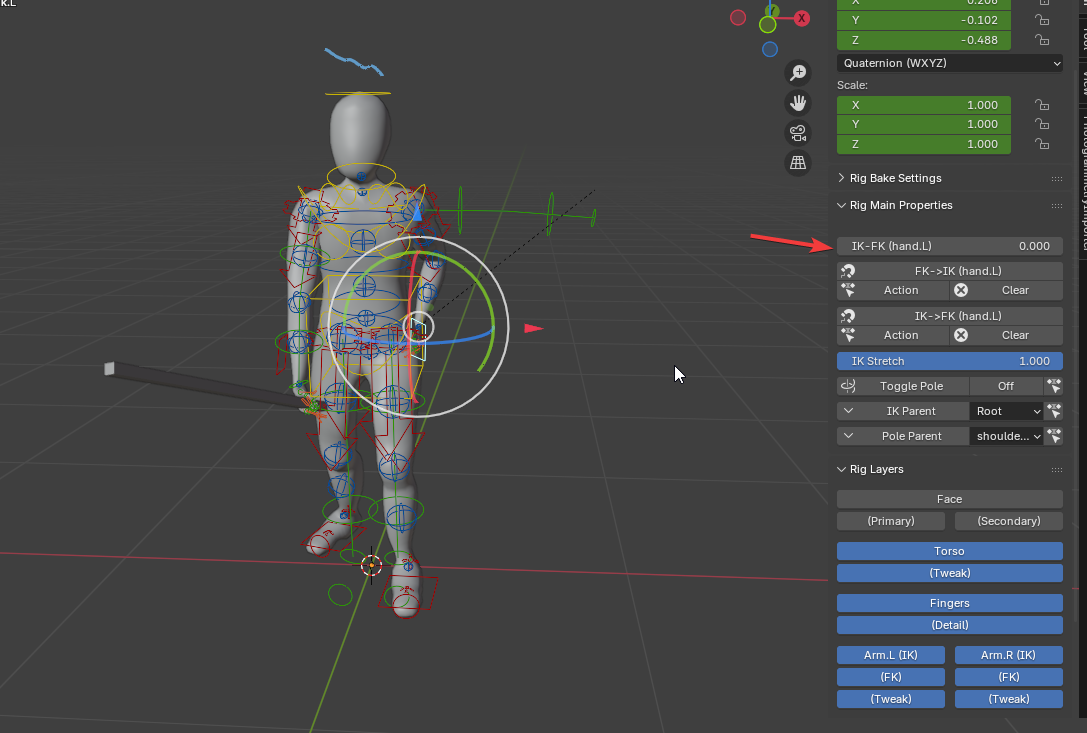
Here i did my first bake, and only that arm is moving in animation:
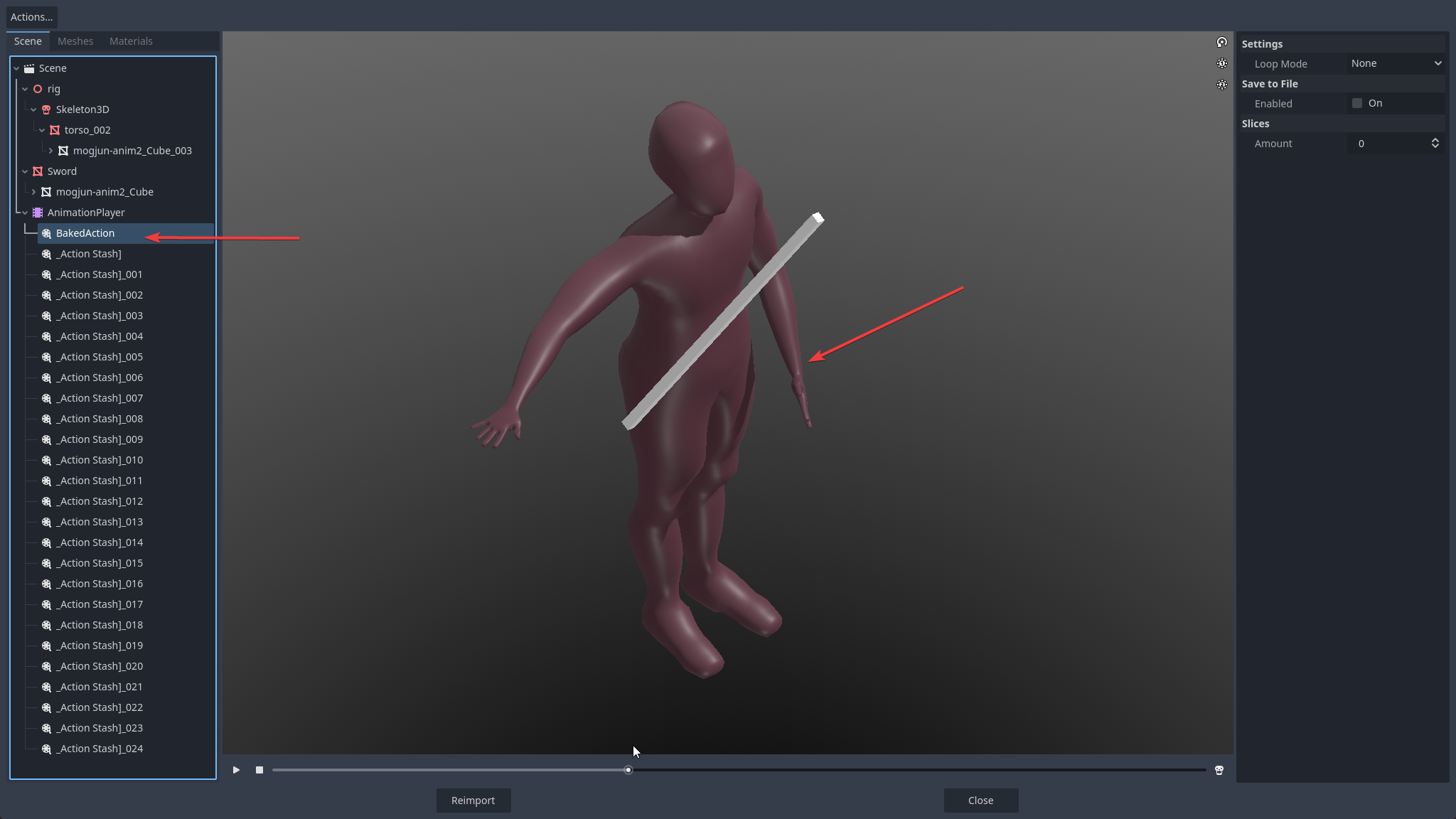
Reason is that i had this selected when i baked
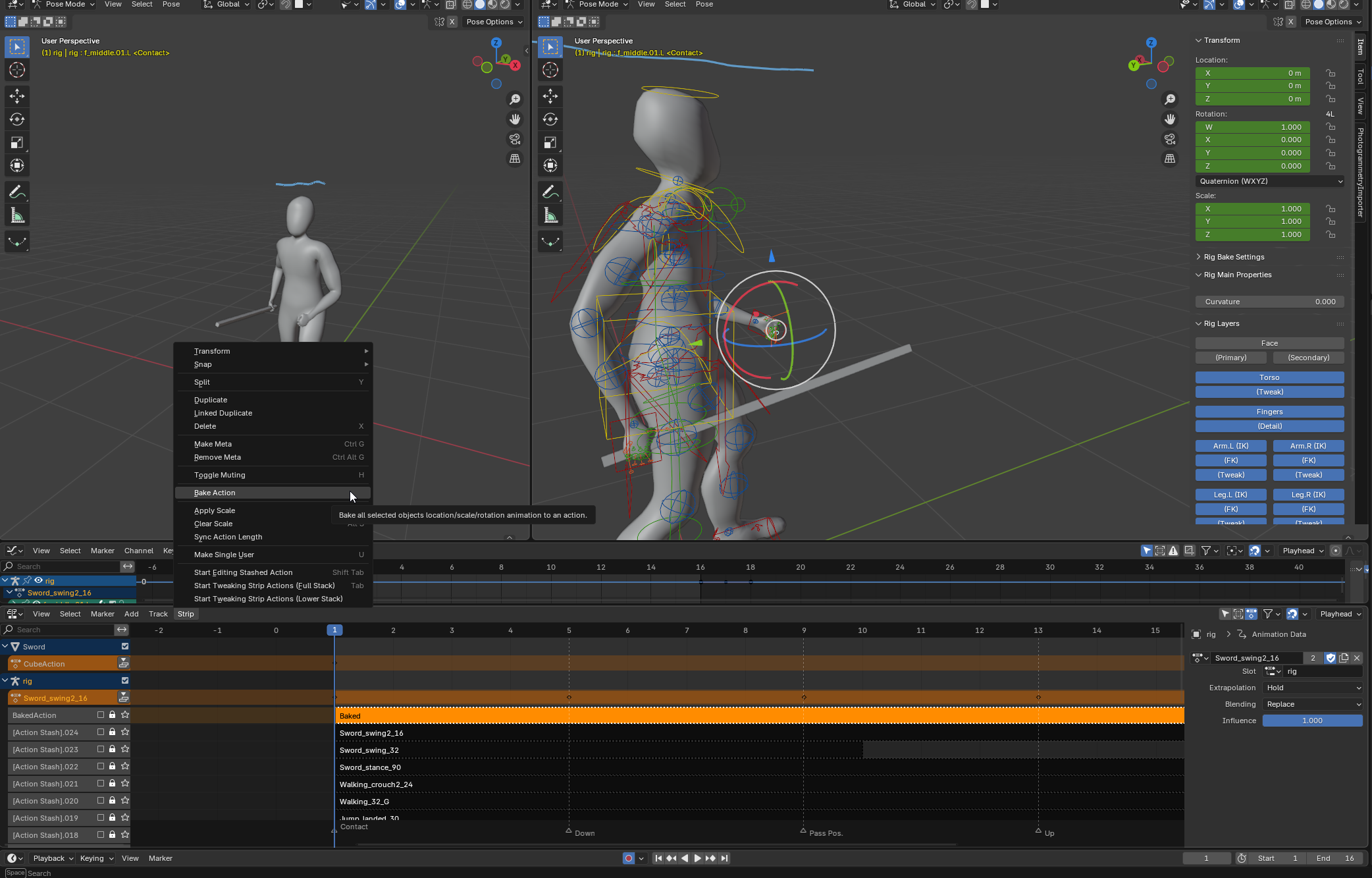
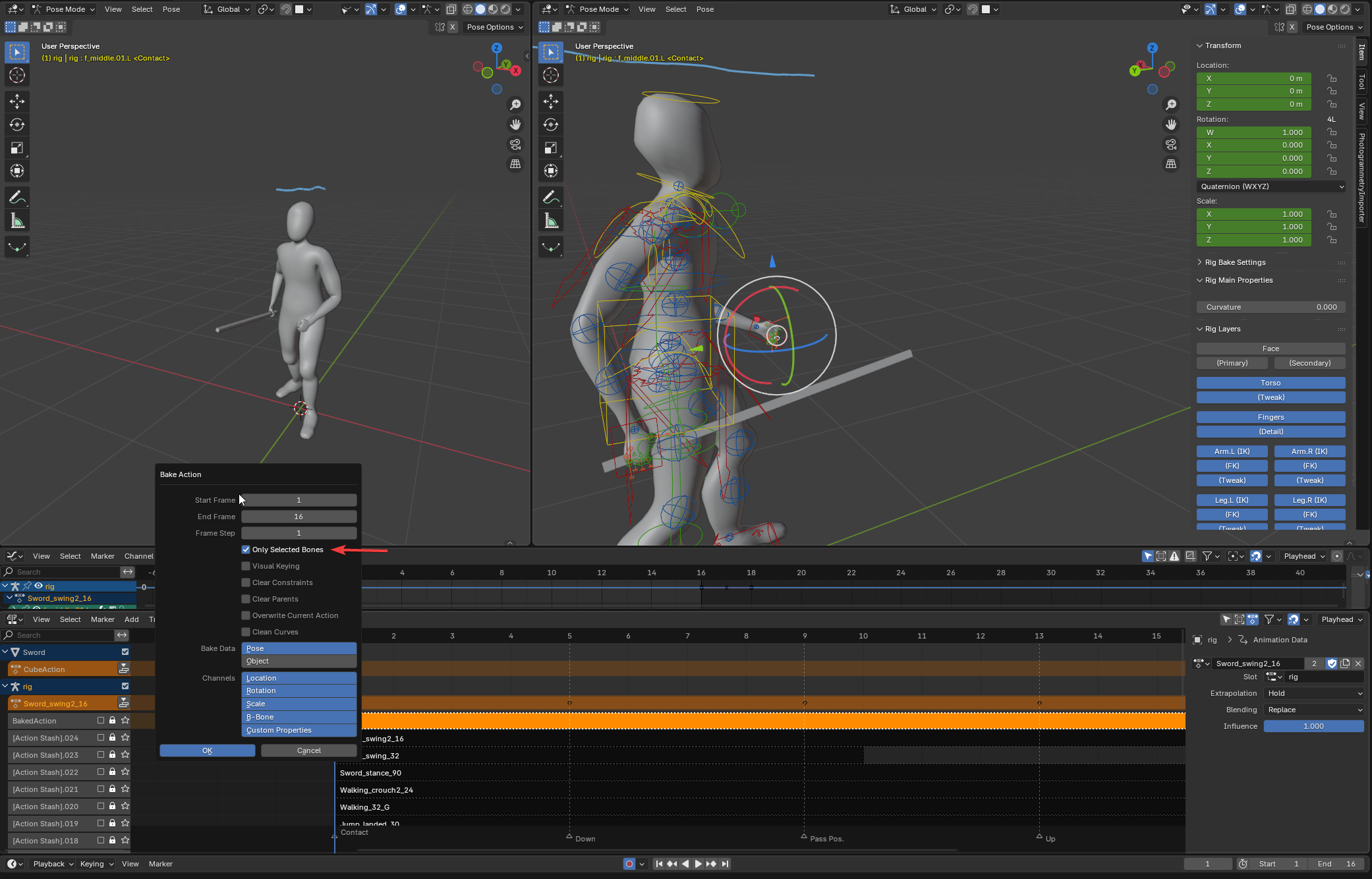
And so it baked only that arm bone.
Also now here is where additional work needs to be done, before export to godot
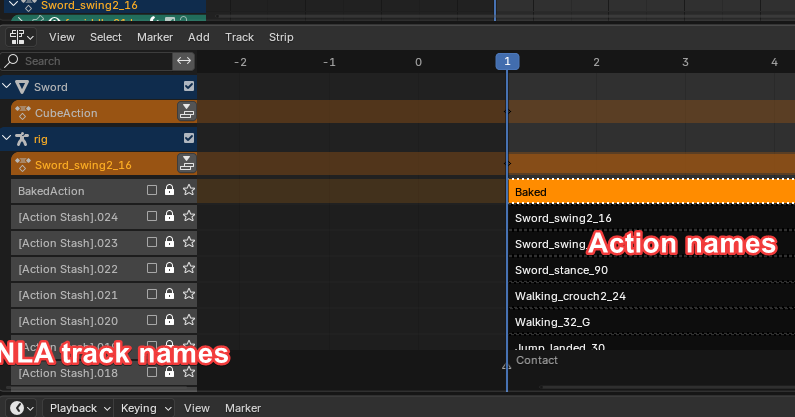
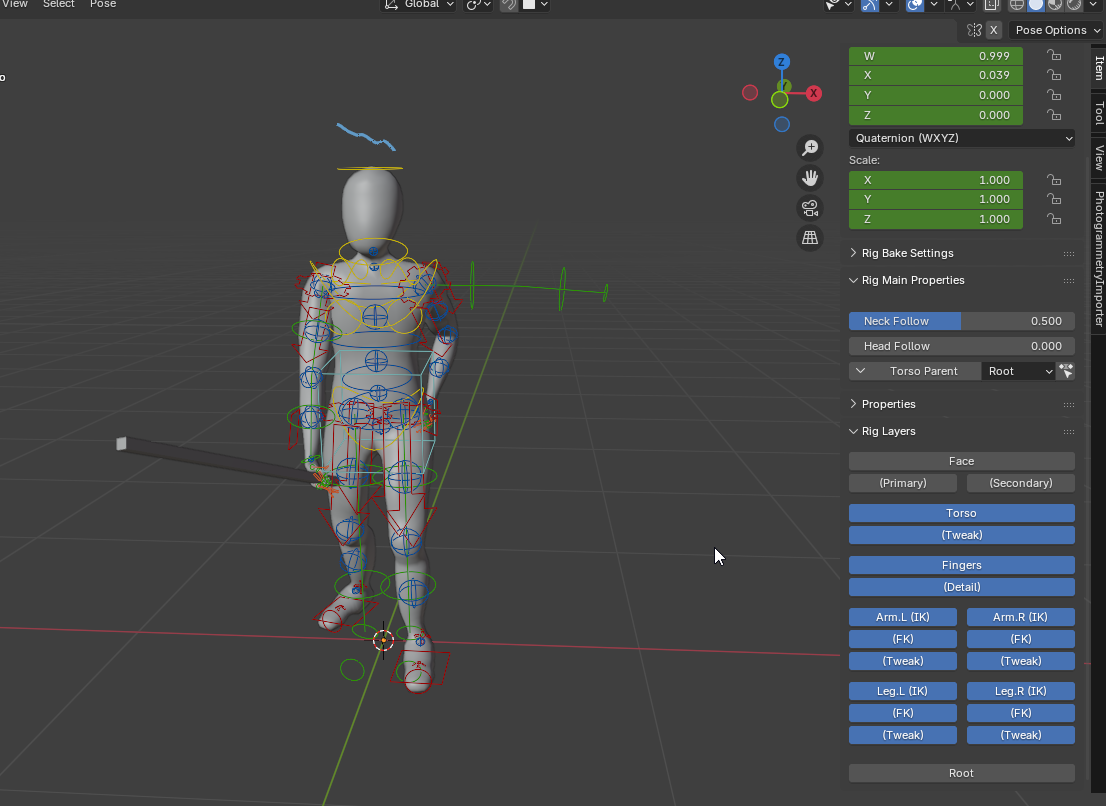
As for the control rig export, i have this setup:
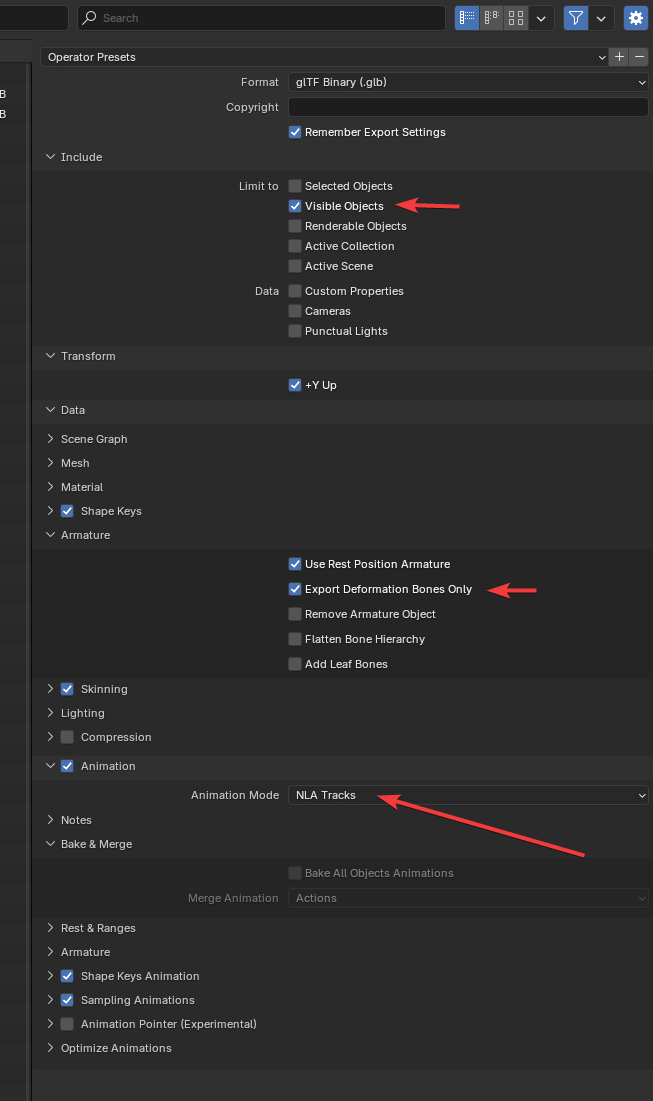
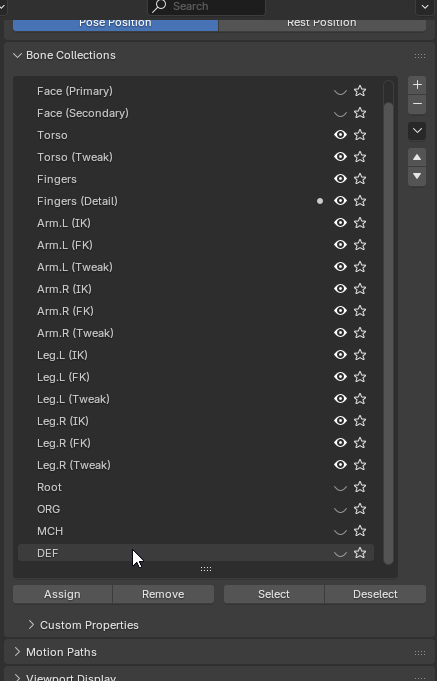
It exports only def bones, that are not visible when im controlling/animating, but they are there under some layers:
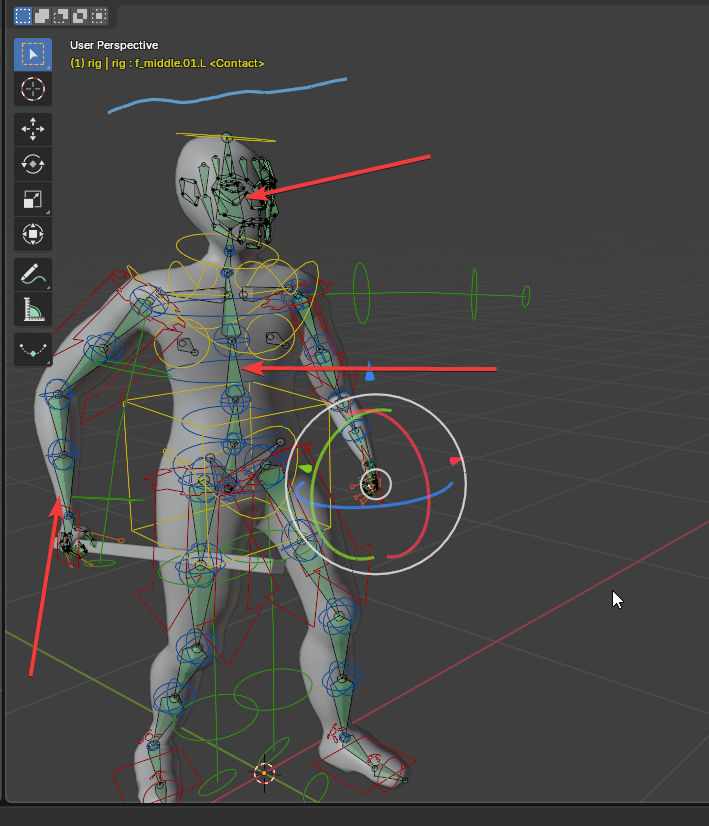
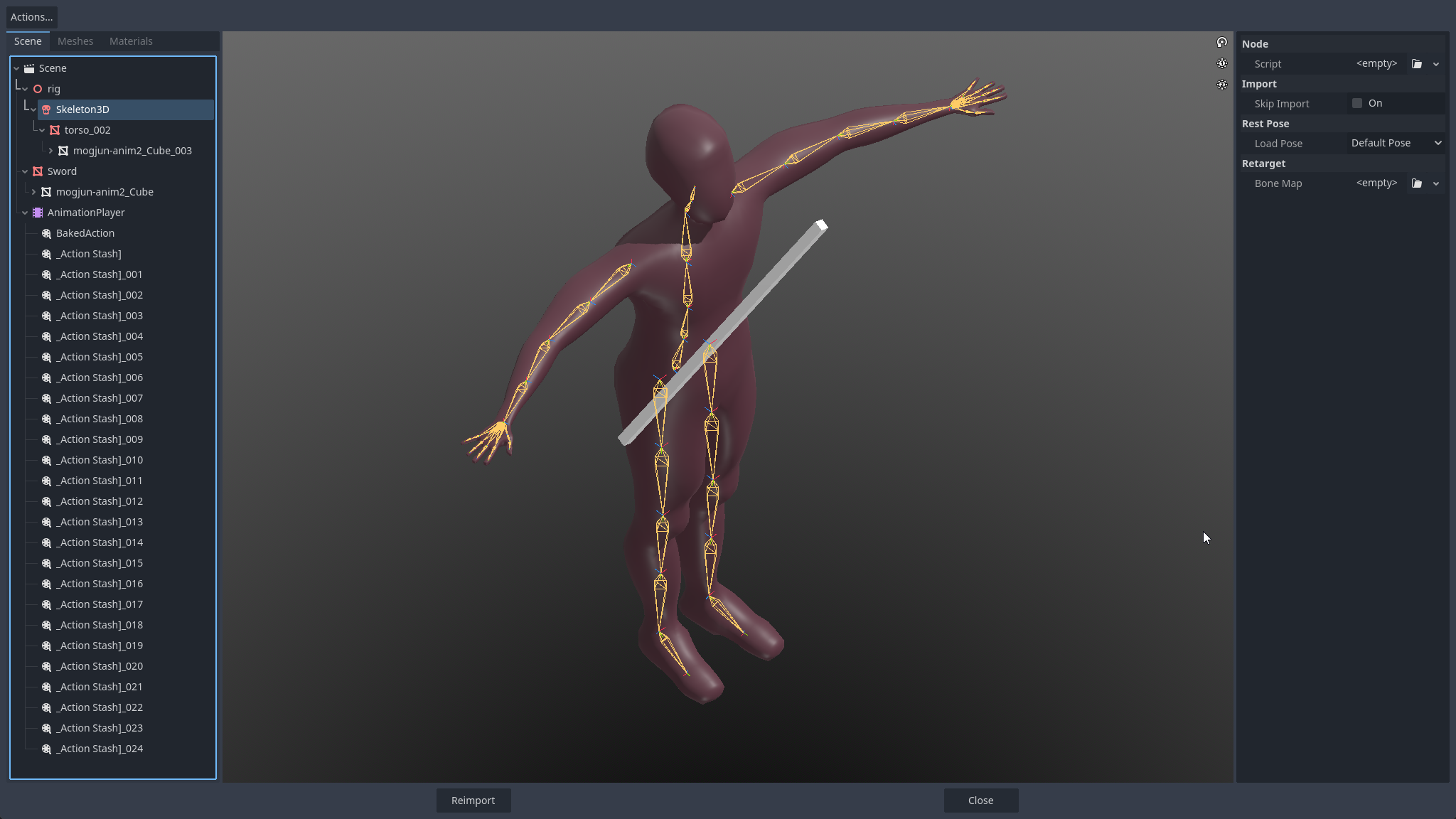
Gotta redo my animations.. again 😃..