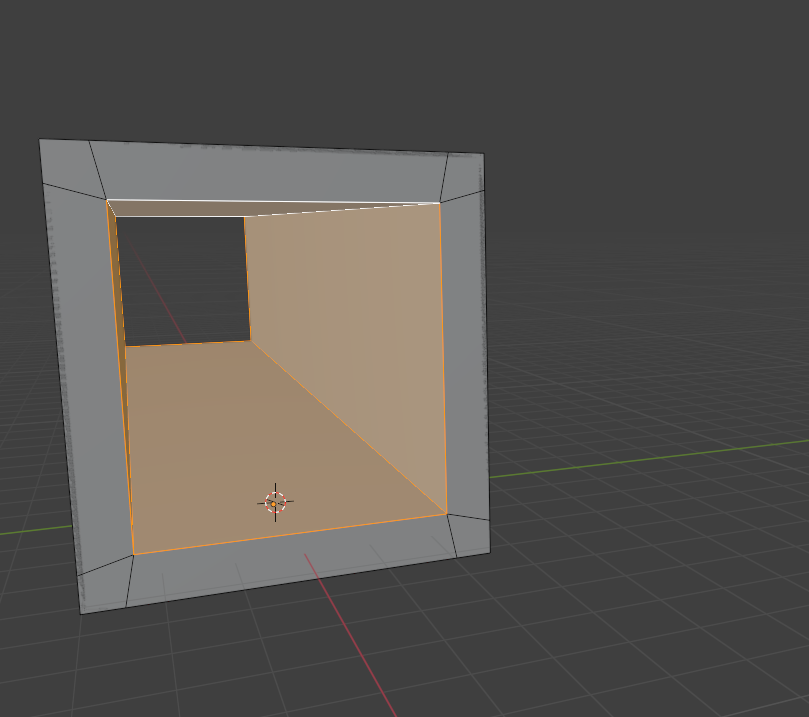
OK so more testing...
Tried the plugin
https://github.com/TokisanGames/Sky3D
Which comes with nice cloud shader and variables that you can use to change day time and sunset etc etc.. very handy. Also it comes with default world environment.
I forgot if it had SDFGI enabled or not, but i enabled it.
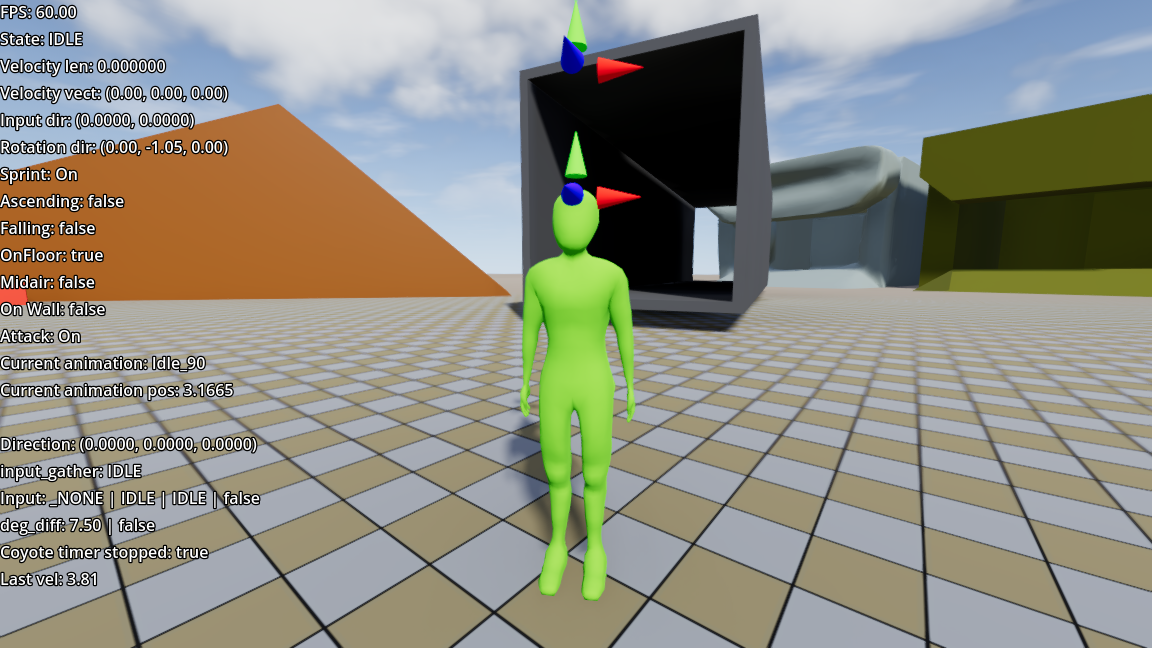
Also i forgot to save my blend file with meshes from last post, and duplicated them meshes. Now the first from left is high poly mesh and all other except the last on the right are the same low poly. And the last orange one is subdivided x2.
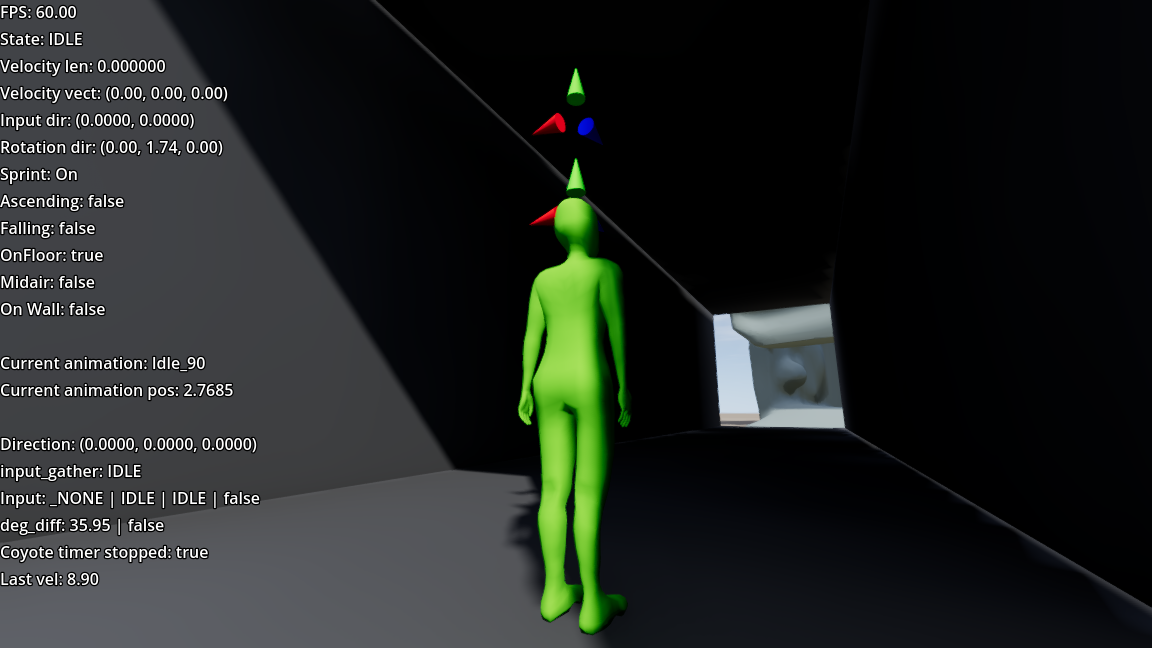
So, today i cant reproduce the shadow smearing.
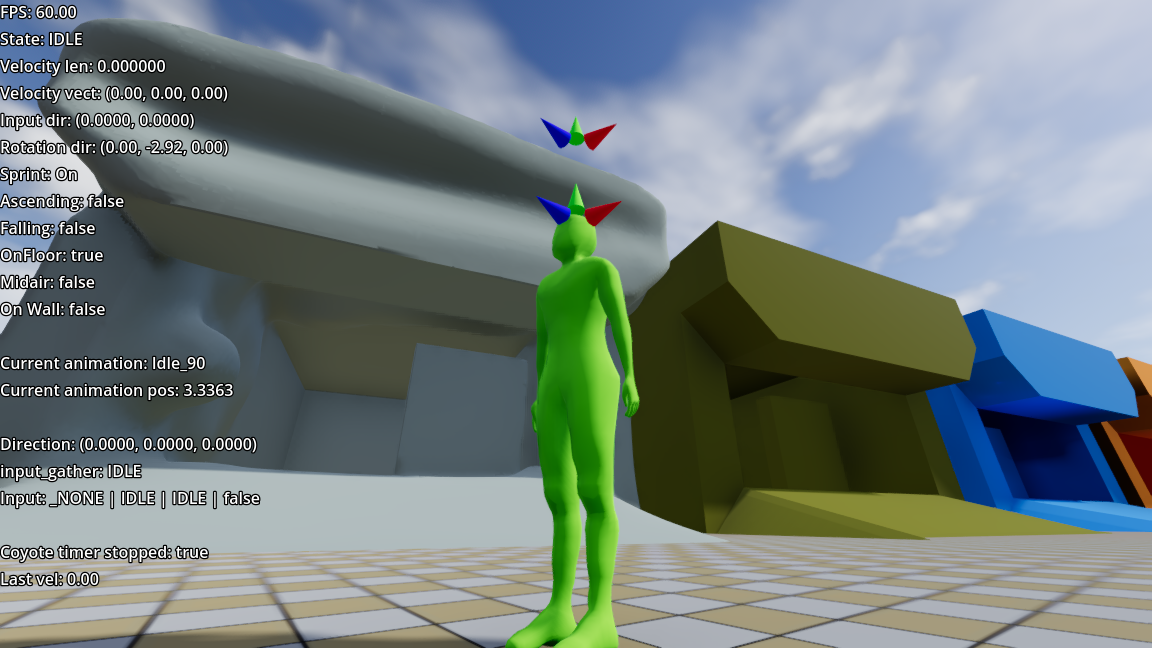
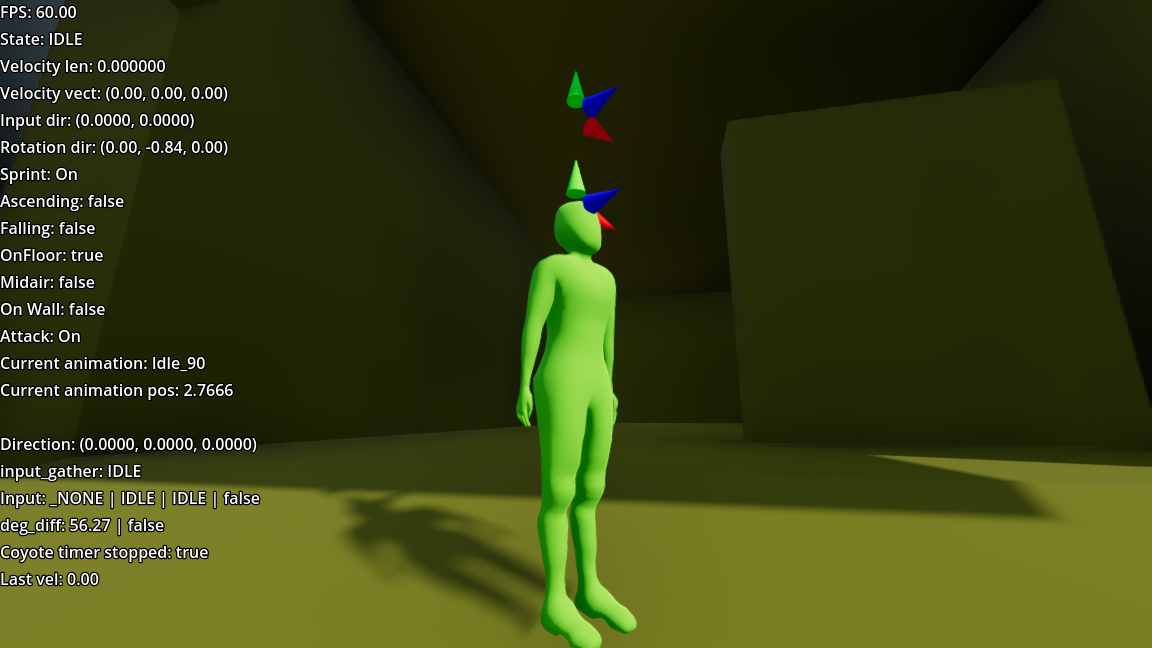
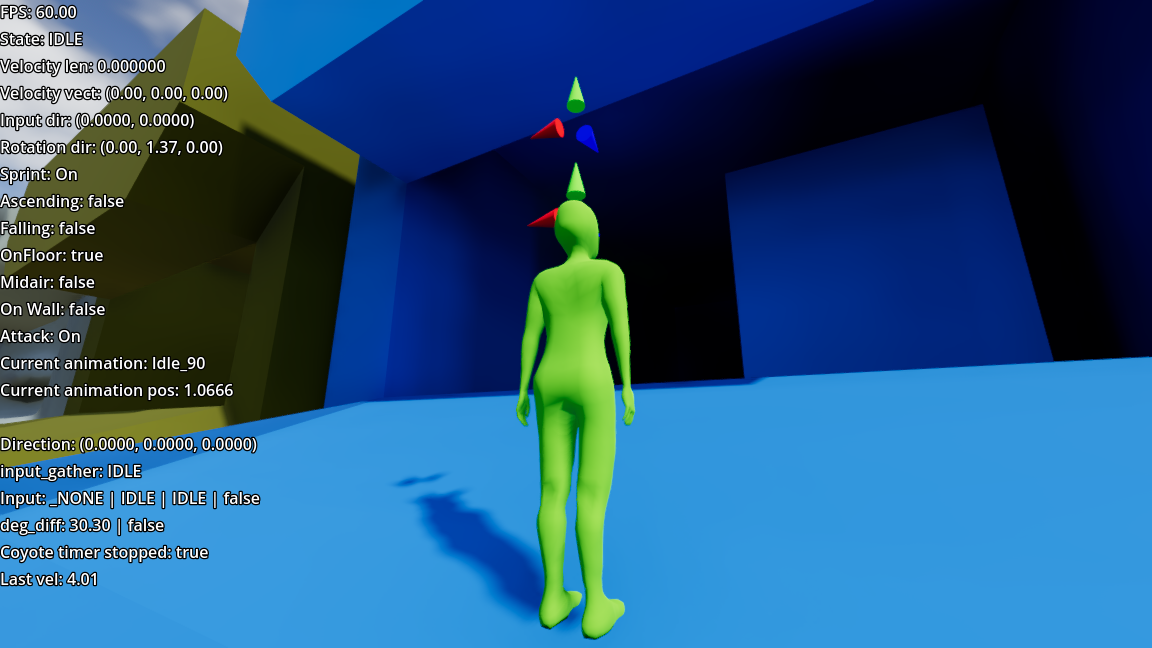
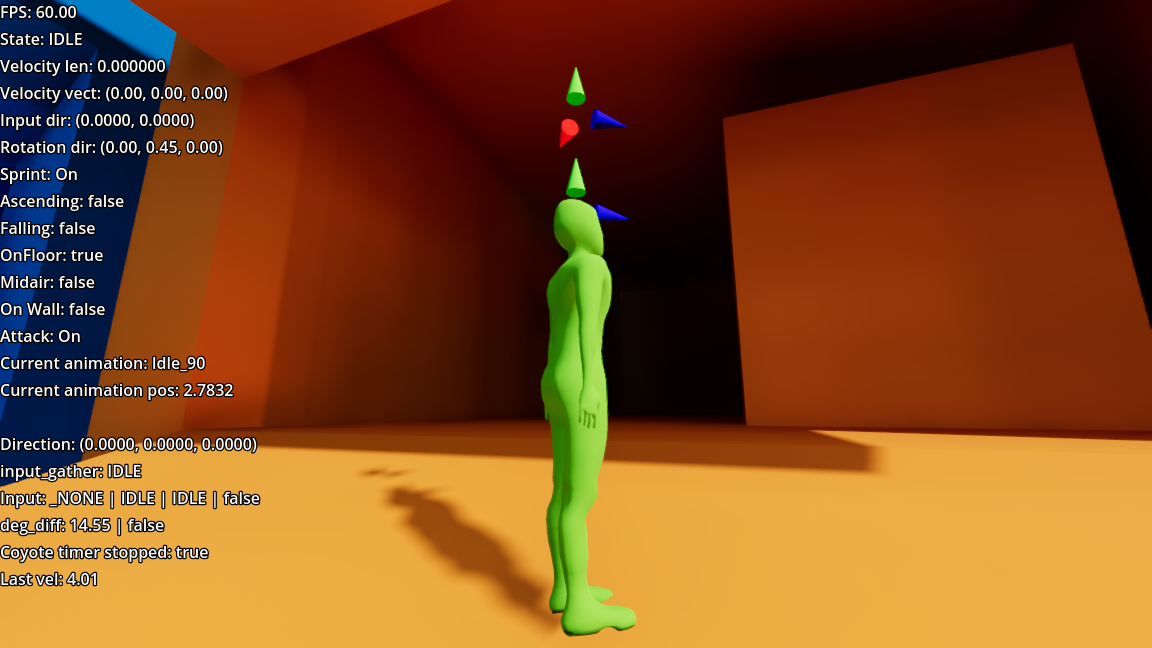
There might be smearing at the top of "lintel" but its due to that it overlaps other faces.
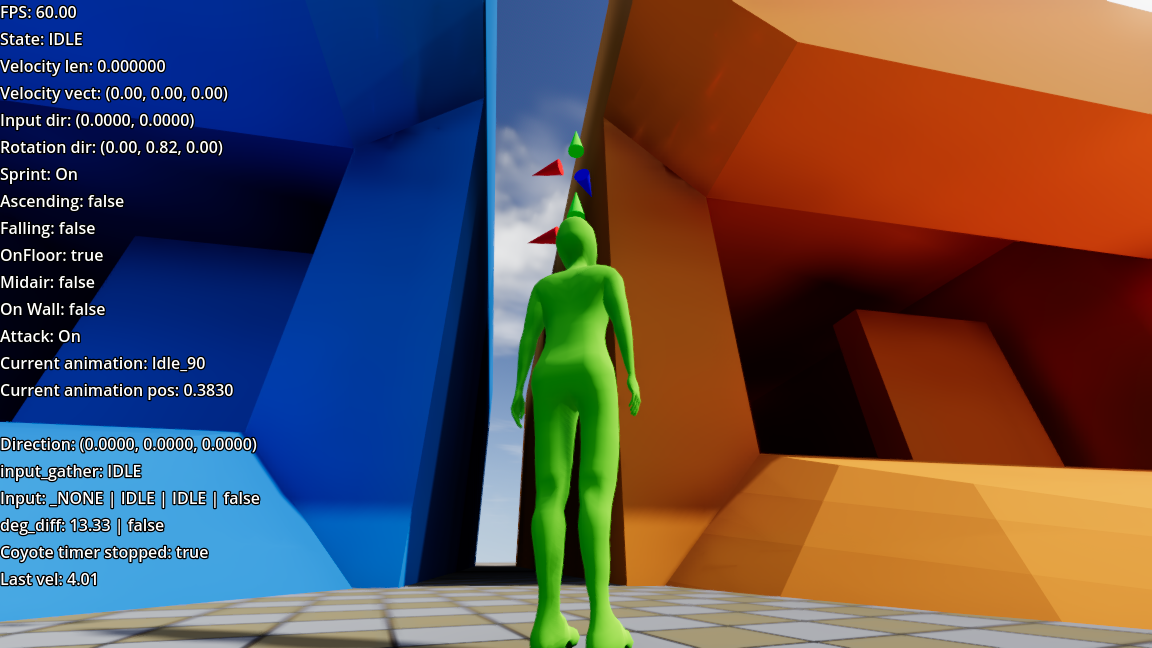
But there is still smearing on one of my meshes that is not regular/rectangular but low poly
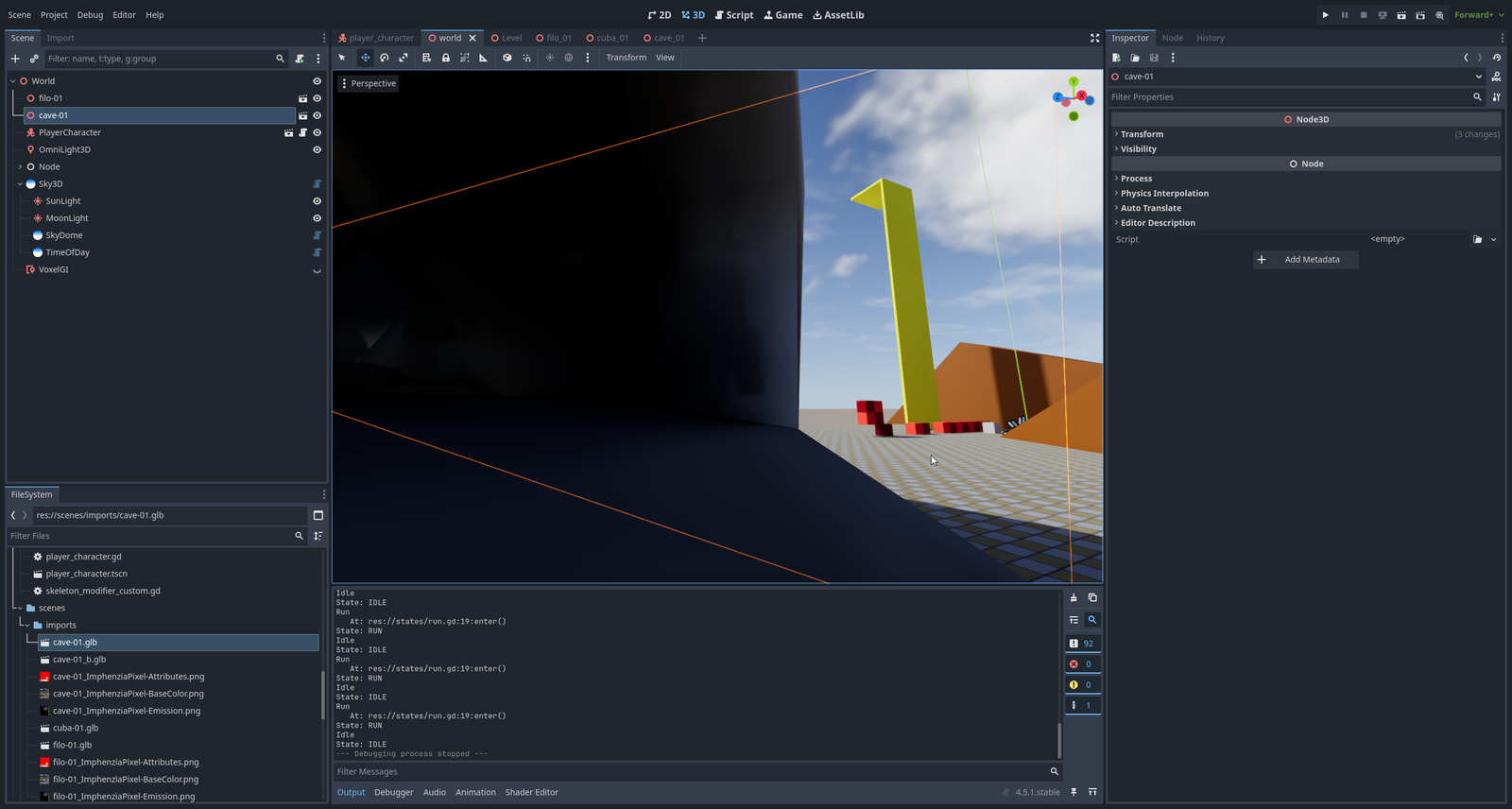
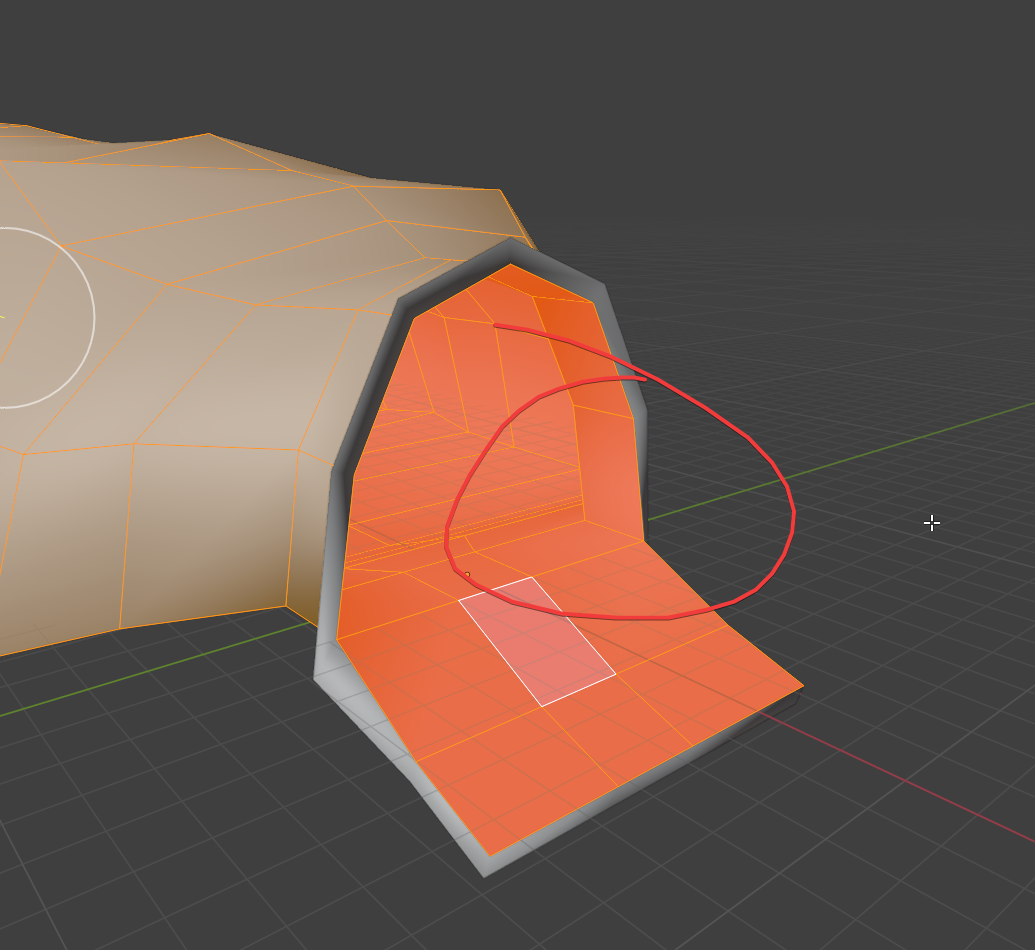
So idk..
One thing to note that in order to stop light bleed, your mesh has to have faces oriented inside (red on the inside of the room)
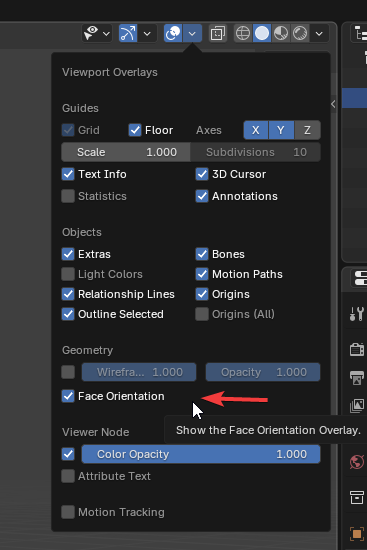
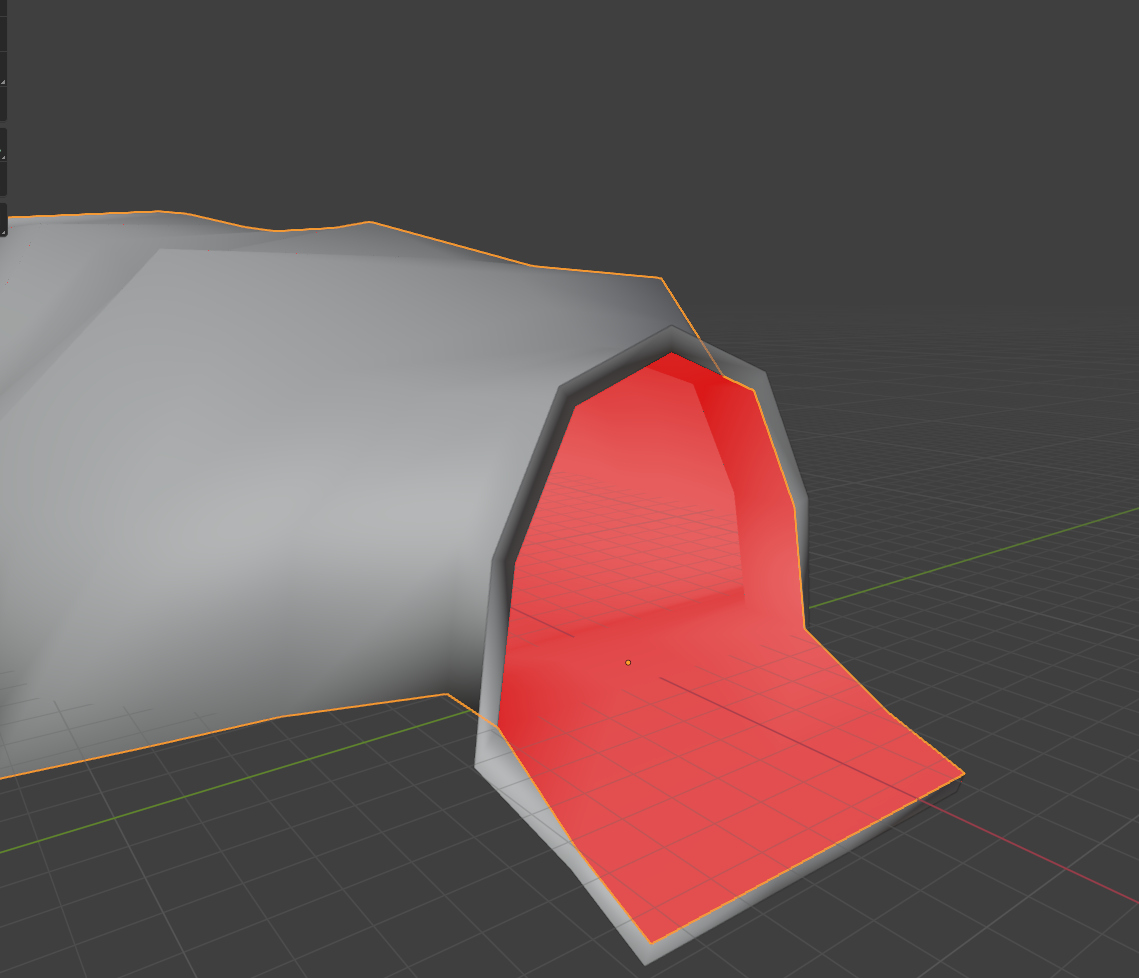
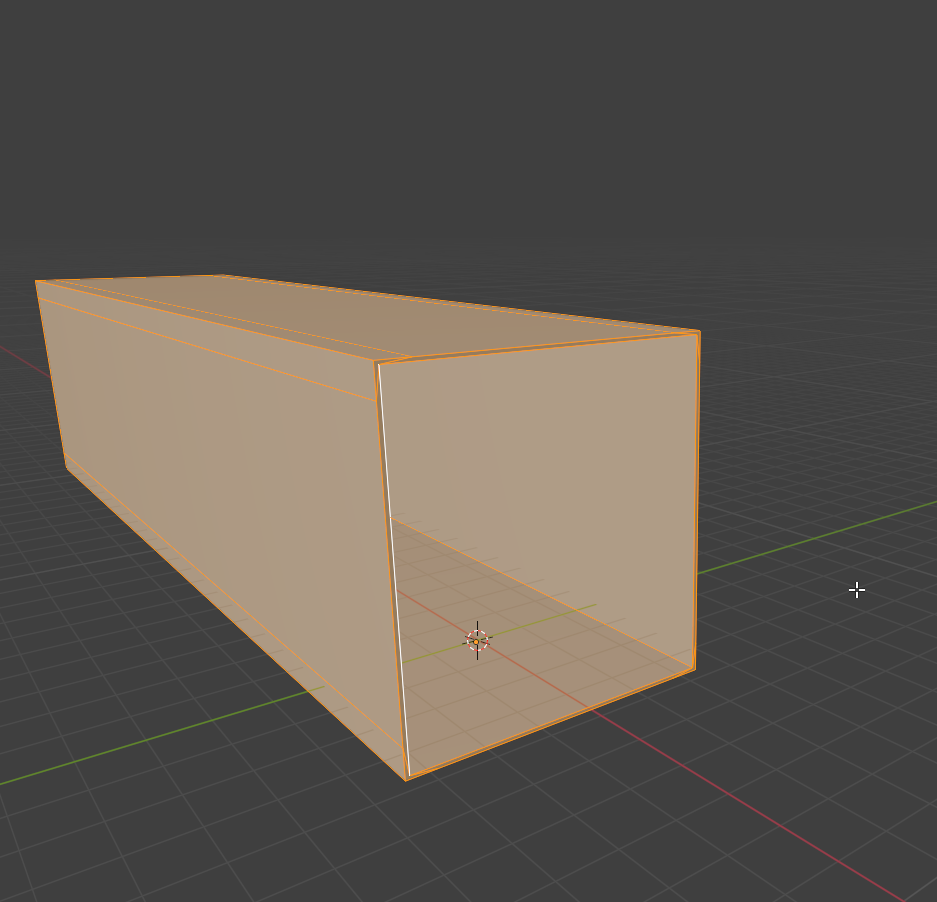
I tried with clean mesh - cube -> cut out middle and fill faces so that it makes a shipping container with bot ends open
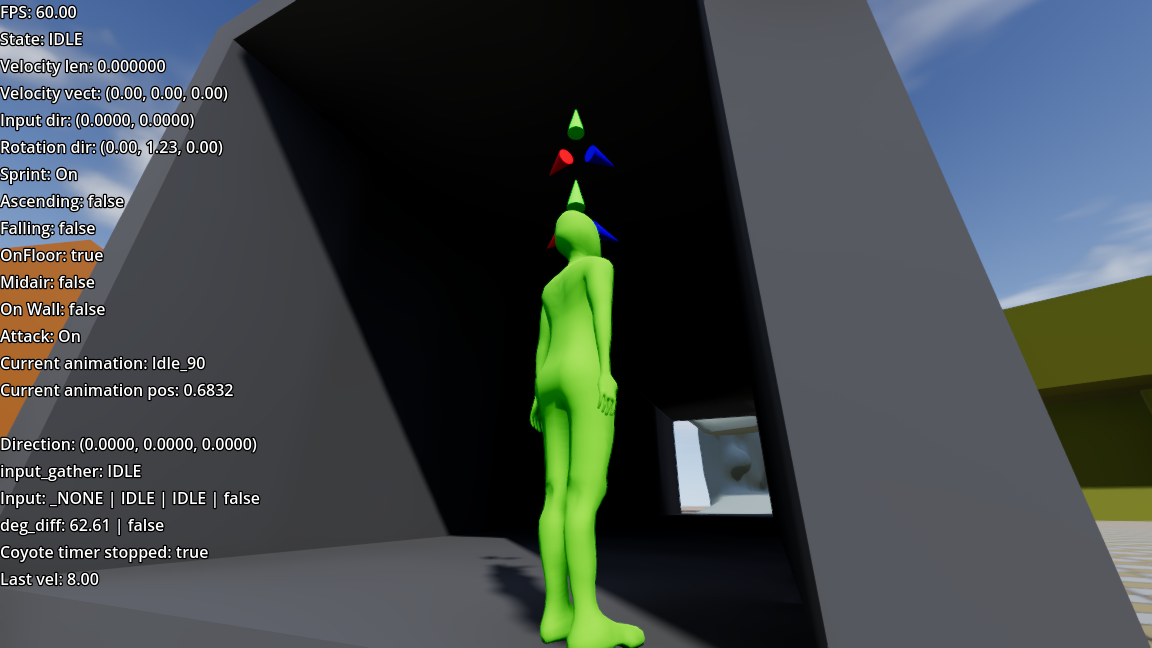
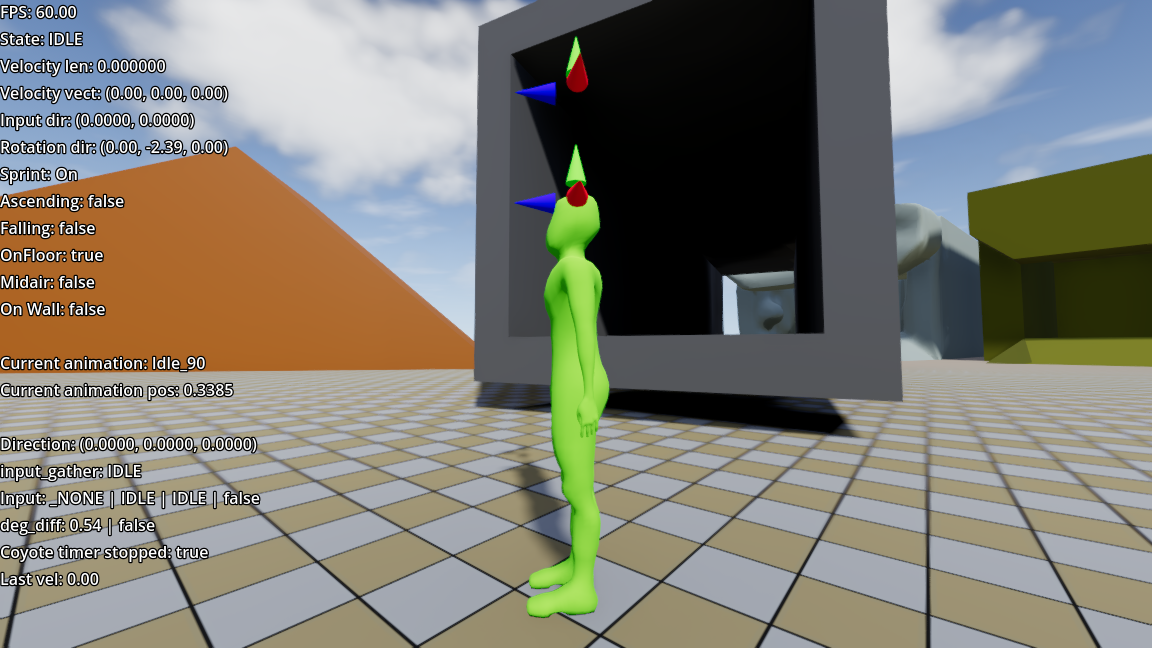
And i have no smearing of the shadow.
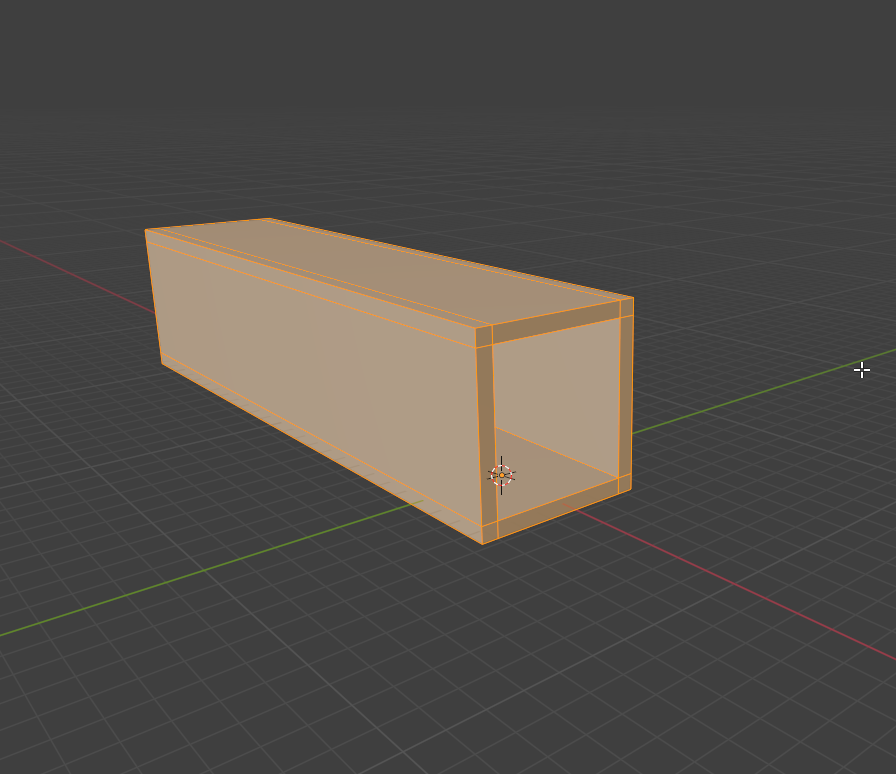
Maye my hastely made mesh was borken is some unapparent way.. need to be careful when creating faces/meshes so that its all connected and water tight and faces are oriented in correct way
And that the mesh is thick enough so that the light does not bleed through