Alright, been few weeks since last progress..
So, i have learned that i havent learned much..
As i dove in to 3D modelling i thought its gonna be easy but its not that easy when you dont know what youre doing.
The objective was to make something that has least ammount of faces, but it was hard without knowing what details would be visibly important or not.
I havent dove into texturing and stuff.. im sure i could shrink the ammount of faces when i properly texture the model.
So 8 iterations later, i got here
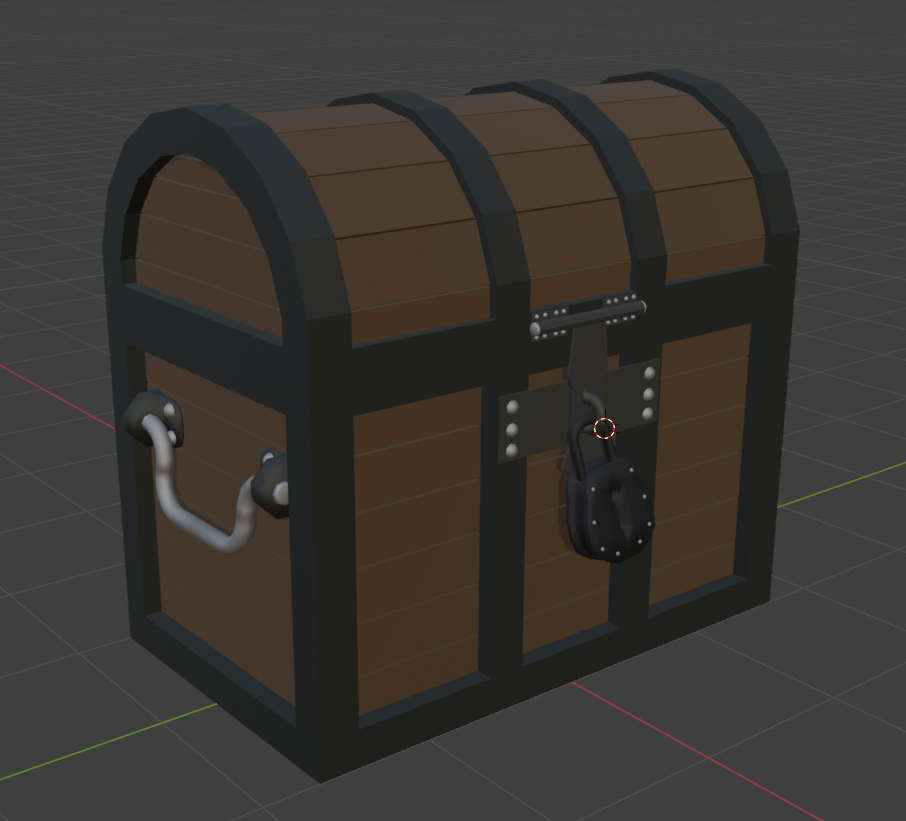
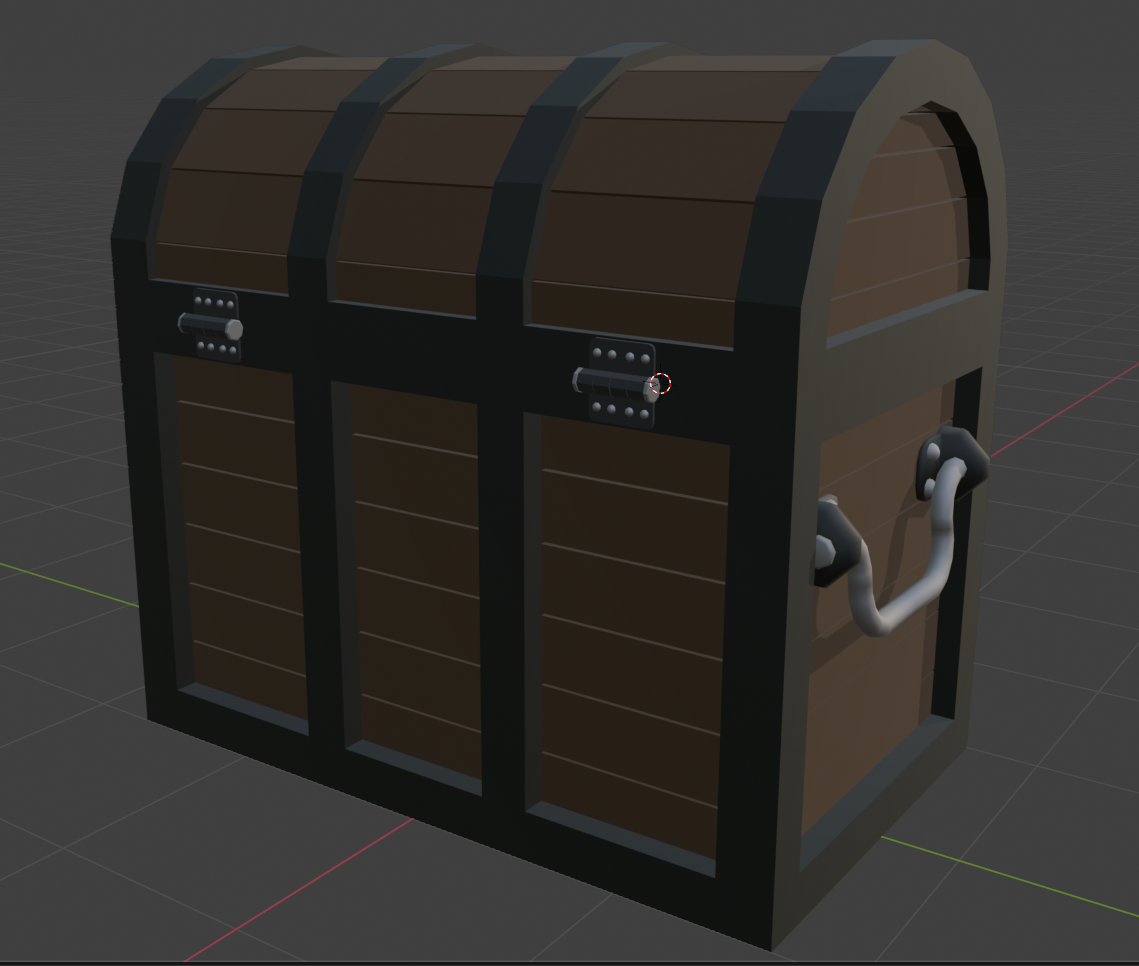
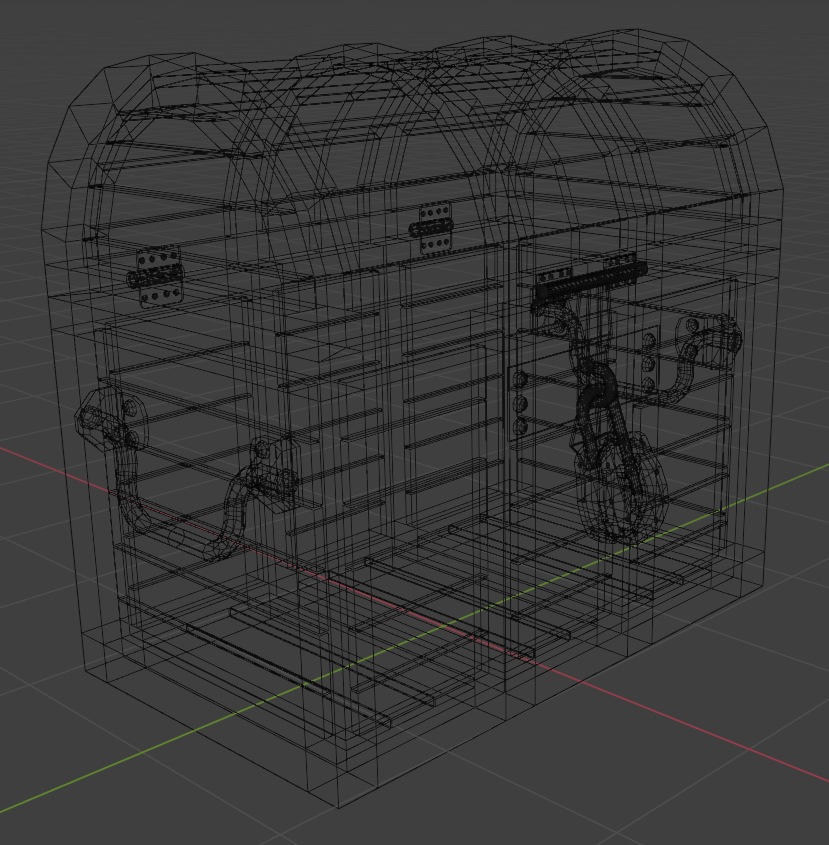

Now getting this animated was interesting too.
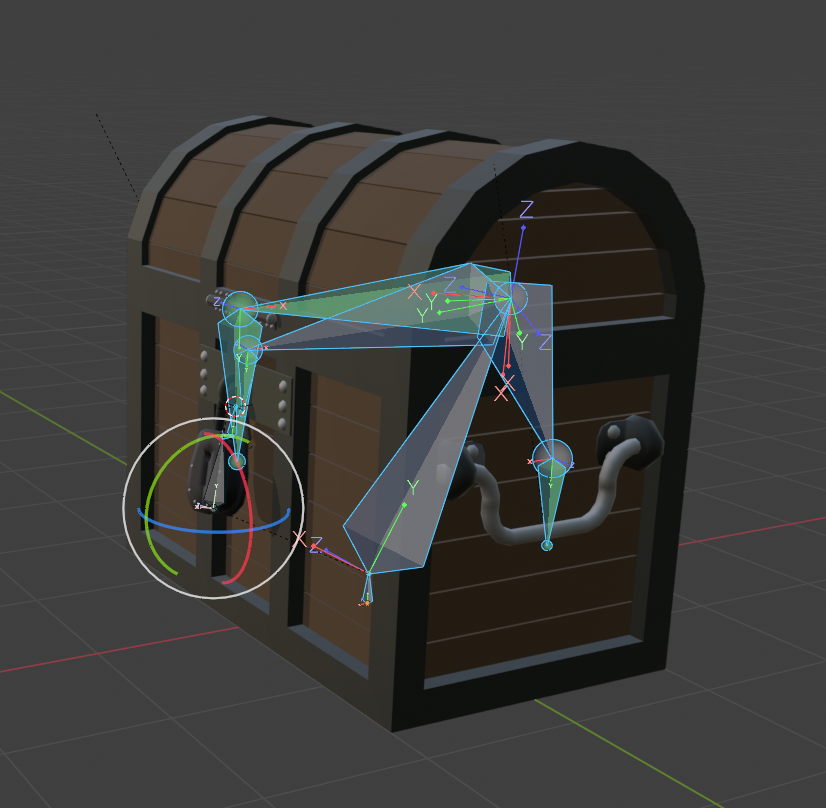
Simple animations
Open and close and shake
I made separate actions for open/close/shake then baked into new actions where one or more action is mixed together.
Next step was adding this to godot.
Soon you will realise that this method i have chosen to do things is a failure. Who could have known..
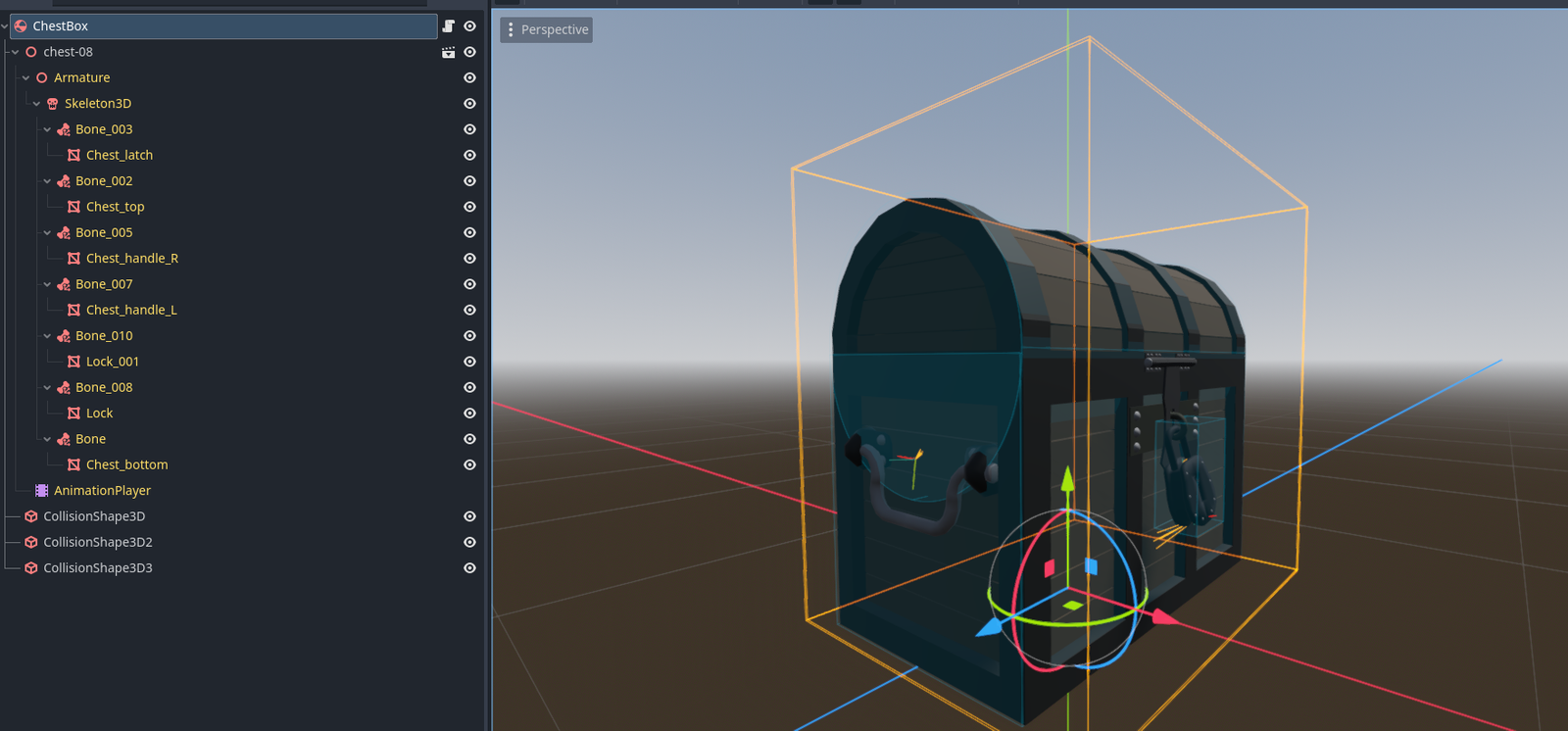
As you can see that the imported chest has no collision shapes so i had to add them manually.
One cylinder and few boxes.
But later on i found out you cant animate collision shapes, so when the chest lid is swung open it is outside the collision shape.
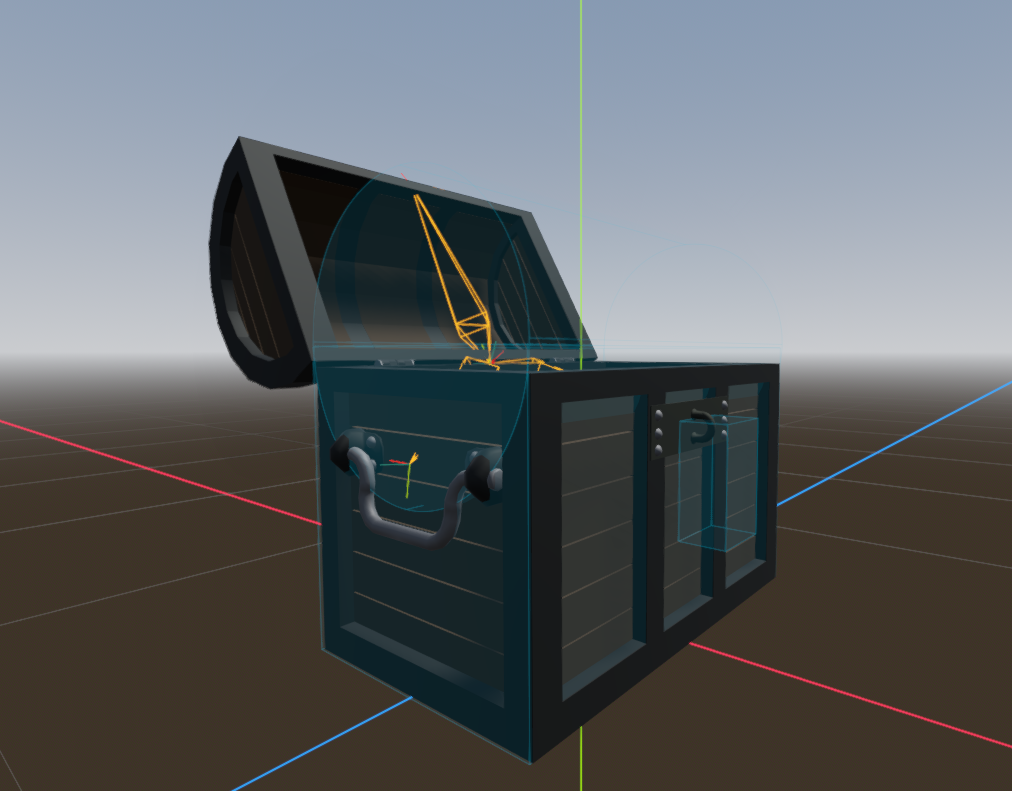
What a bummer.
The only way is to create separate objects, such as bottom part and lid part then recombine them together in godot and add script that animates. Either with hinges or some other way.
The chestbox script
extends RigidBody3D
class_name ChestBox
@onready var animation_player: AnimationPlayer = $"chest-08/AnimationPlayer"
enum BoxState {
Closed,
Open,
Transition
}
var curr_box_state:BoxState = BoxState.Closed
func _ready() -> void:
animation_player.animation_finished.connect(_on_anim_finished)
func open_box():
if curr_box_state == BoxState.Closed and curr_box_state != BoxState.Transition:
curr_box_state = BoxState.Transition
animation_player.play("ChestOpenCombined")
func close_box():
if curr_box_state == BoxState.Open and curr_box_state != BoxState.Transition:
curr_box_state = BoxState.Transition
animation_player.play("ChestCloseCombined")
func shake_box():
if curr_box_state == BoxState.Closed and curr_box_state != BoxState.Transition:
curr_box_state = BoxState.Transition
animation_player.play("Shake")
func _on_anim_finished(animation):
match animation:
"ChestOpenCombined":
curr_box_state = BoxState.Open
"ChestCloseCombined":
curr_box_state = BoxState.Closed
"Shake":
curr_box_state = BoxState.Closed
Simple functions that i can trigger from other events.
Result is this.
But not the result i want to achieve.
What i want to solve is:
- When chest is kicked around chest handles move around like physics bones. Sways around when moved.
- Chest lid move the collision shape with animation.
What i want to figure out how to make "good enough" materials /textures for the model so that i can decimate the mesh and make it super simple but still look good 🙂.
And the cherry on top, create destructible object where mesh explodes on request.