MikeCL Thanks for the video, you didn't had to go this far to explain every little thing. You can pack this under tutorials on the forums 😃 on how to use that add-on.
Some notes:
This is one approach, that you demonstrated.
If you add blender default human skeleton, then you can see that it has the same amount of bones that your add-on regenerated + all the little detailed bones for fingers and face. Those additional bones you can delete (faster than creating).
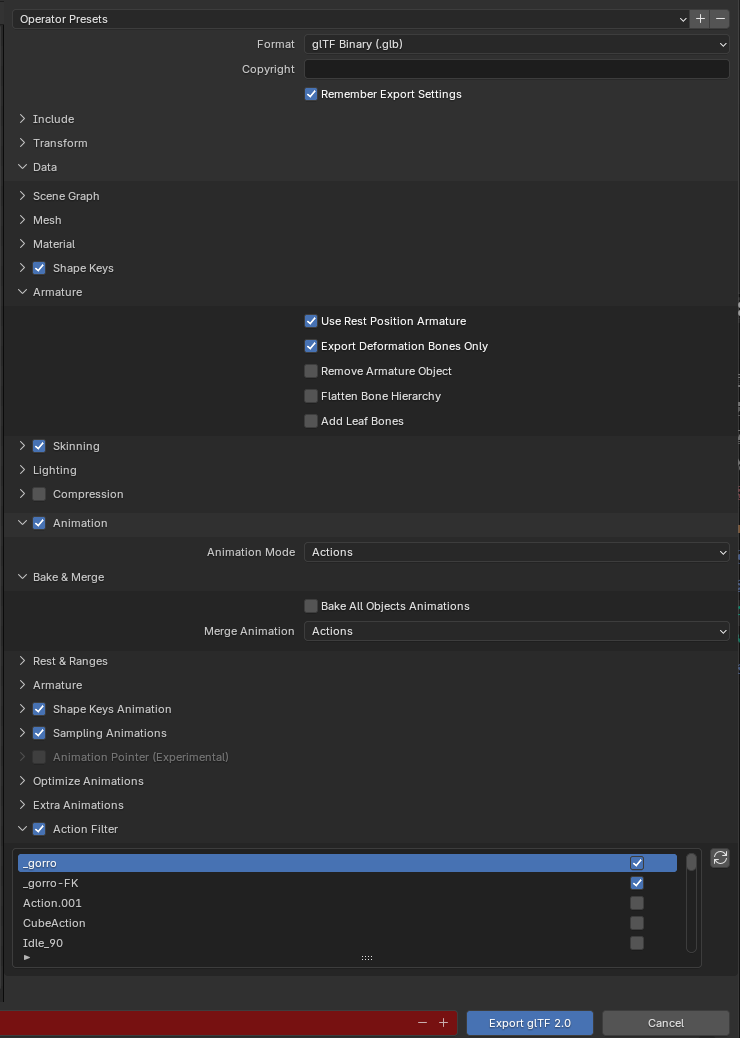
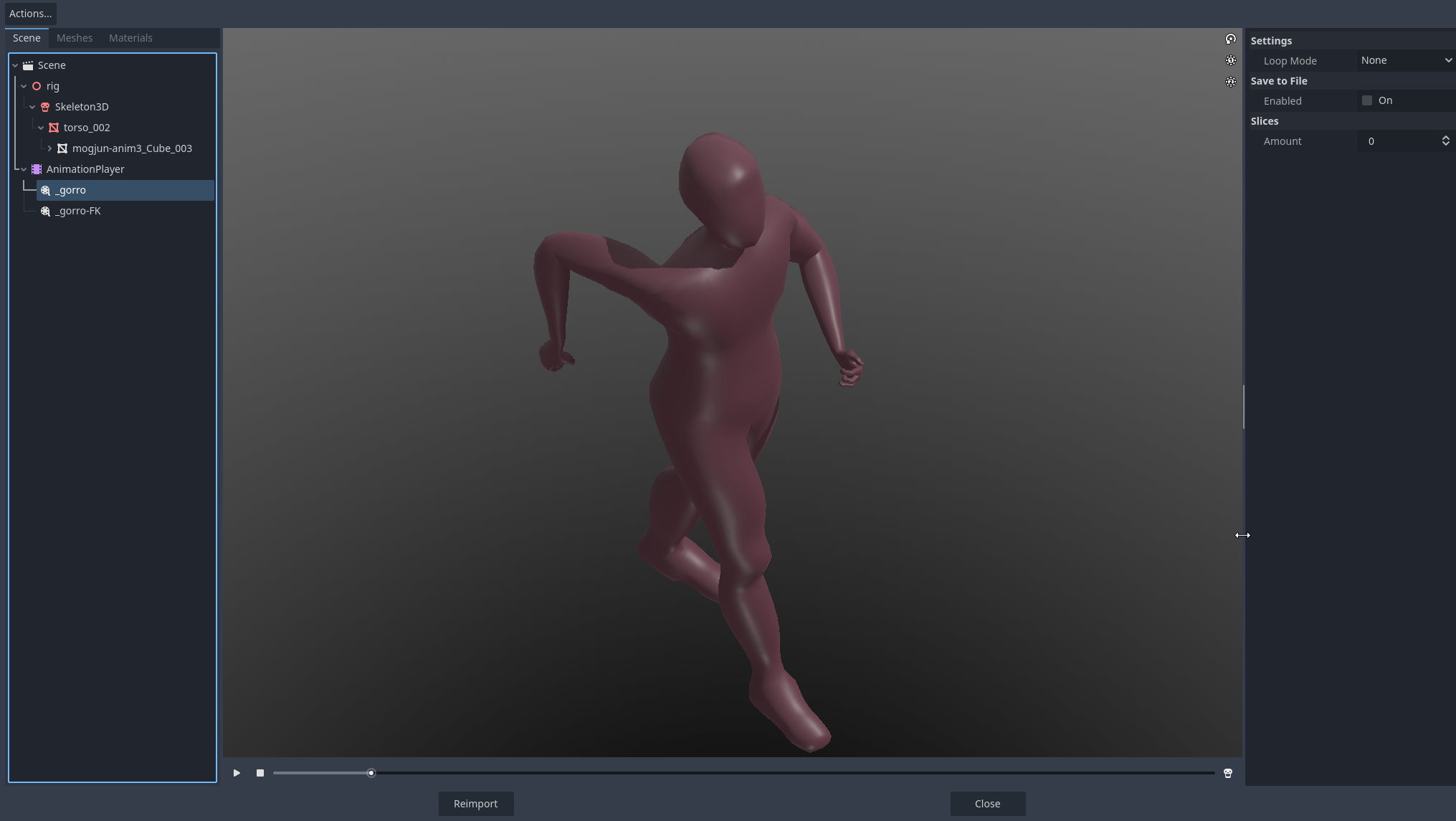
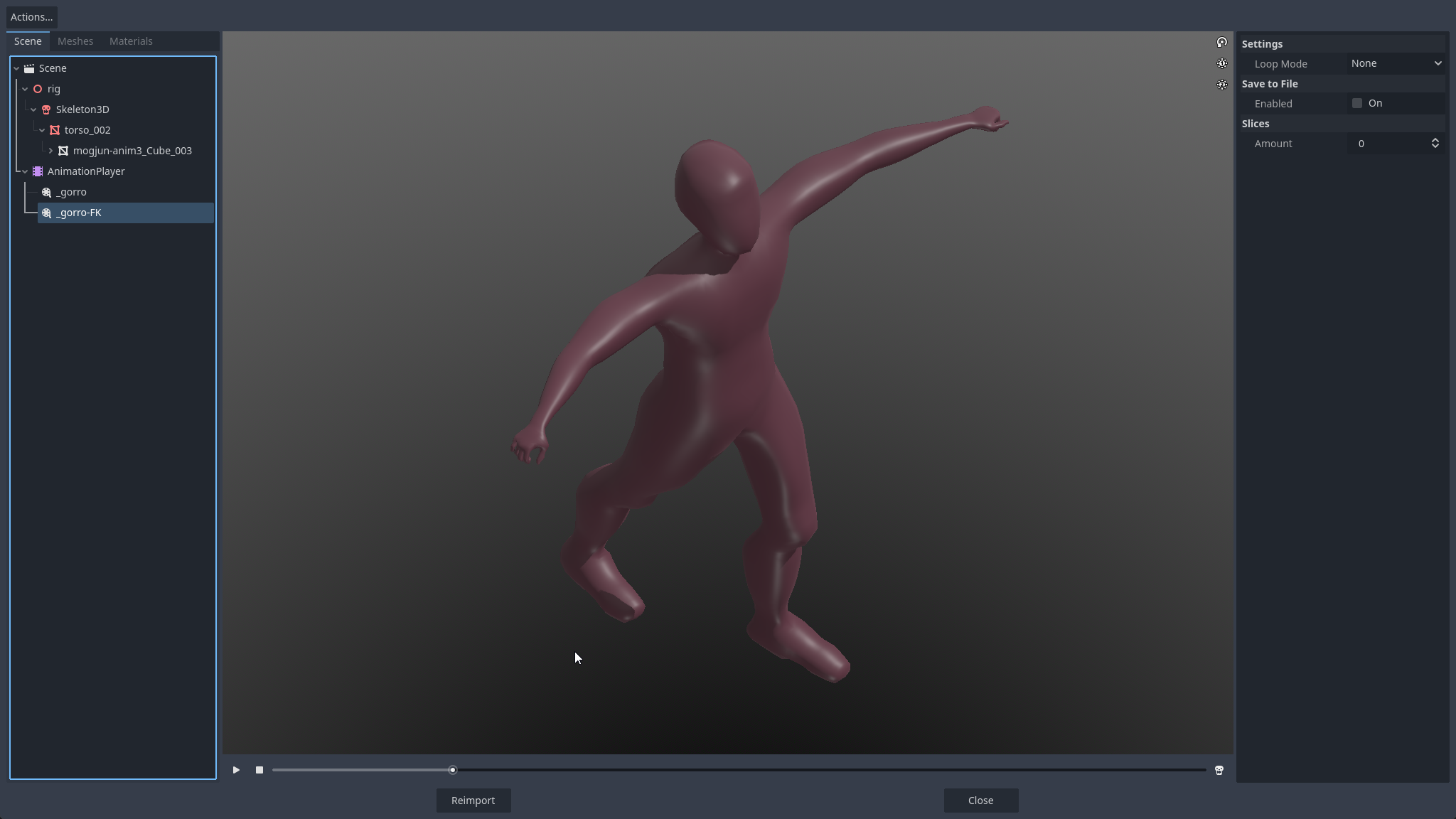
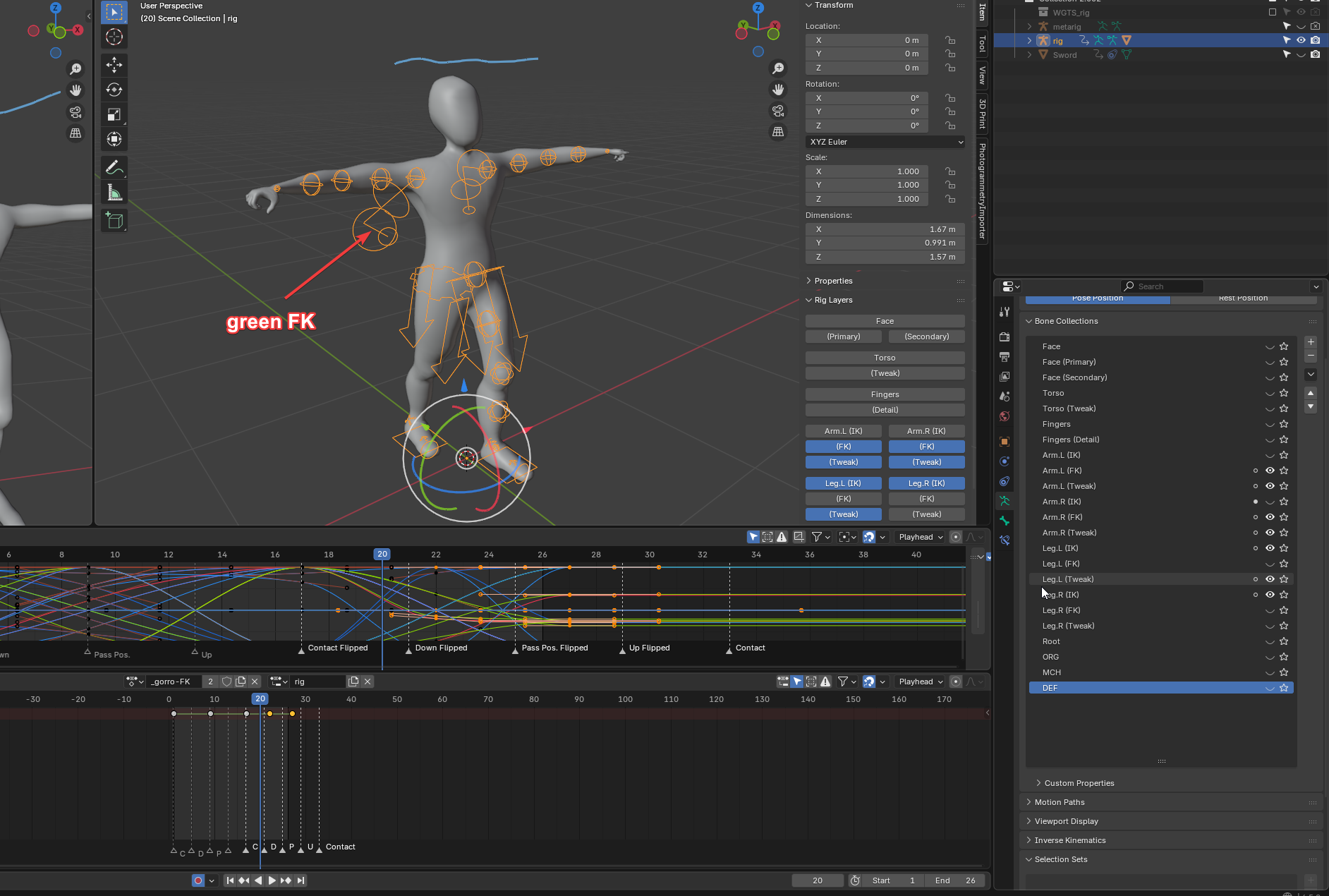
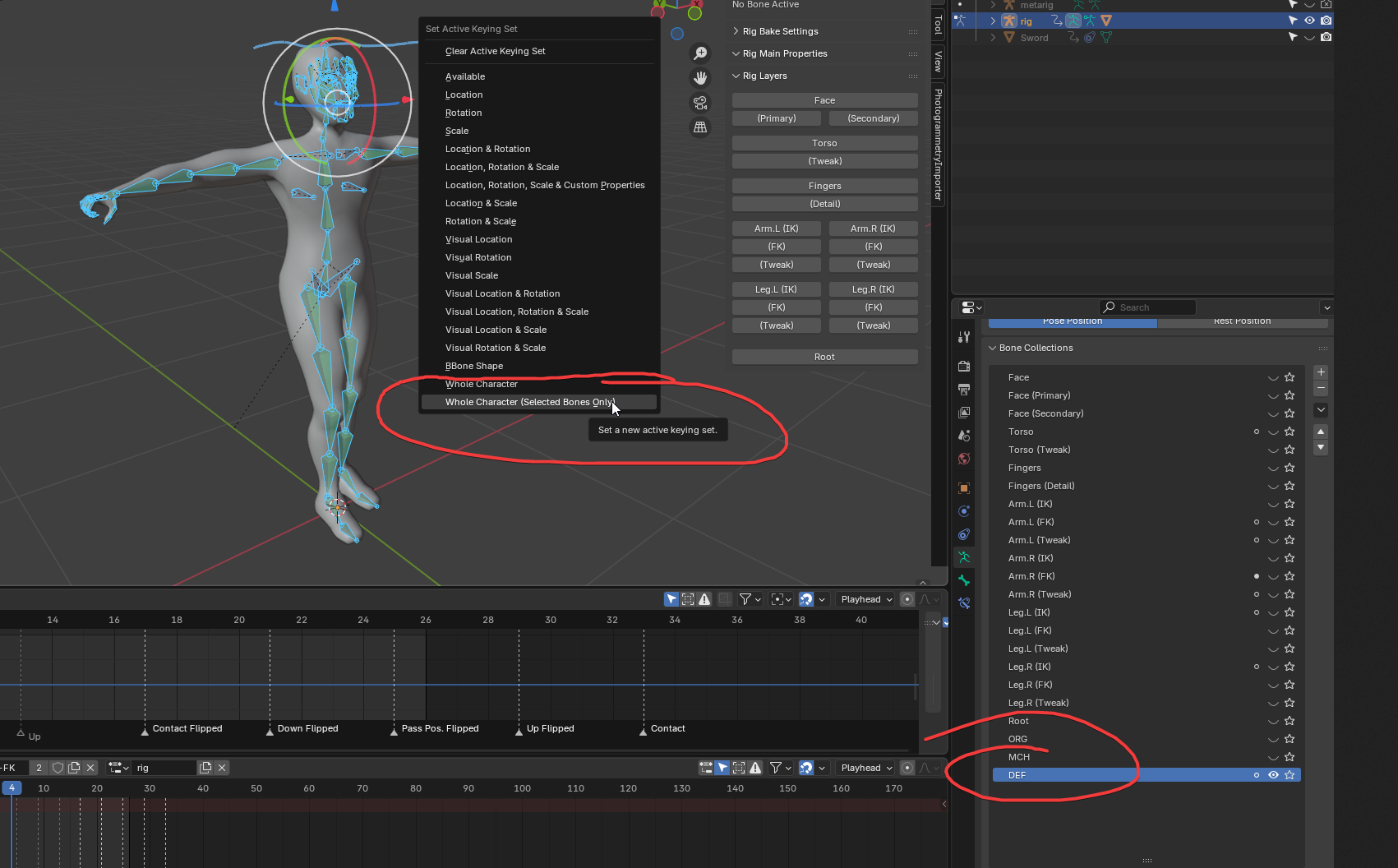
Then when you talk about exporting only the "simple" skeleton. Yes, this is important, as i have faced problem when i wanted to "filter" out the bones in the blending animation when setting up animation mixer/tree. If you export control rig then you will have bad day at clicking through the bones to filter them out. In my case, maybe it wasn't that obvious, i had an export parameters set up so that it exports "visible" things only, ofc you could see the control rig too, but, the most important checkbox was "deform only bones". This will ensure that your export will export only the deform bones that do the animation.
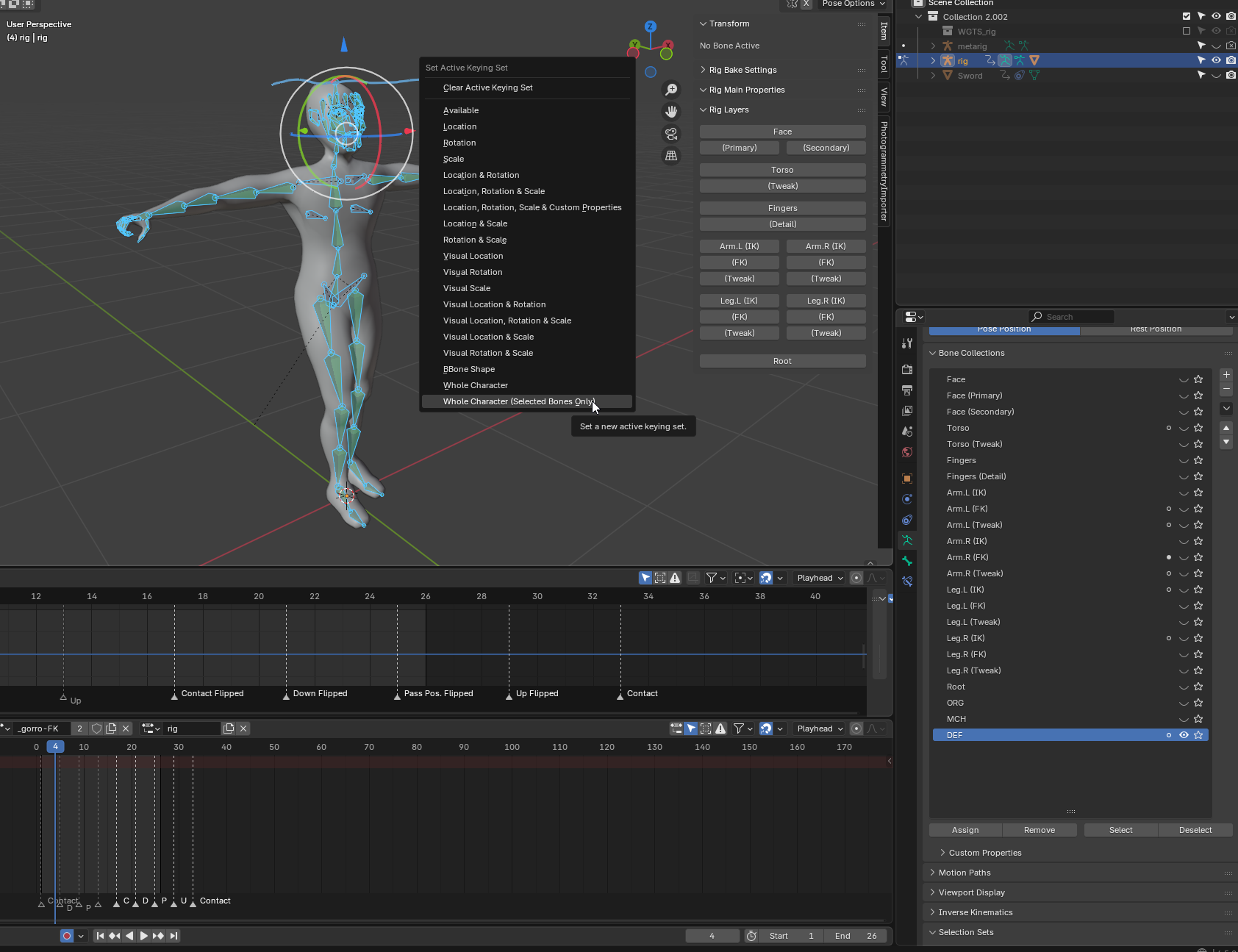
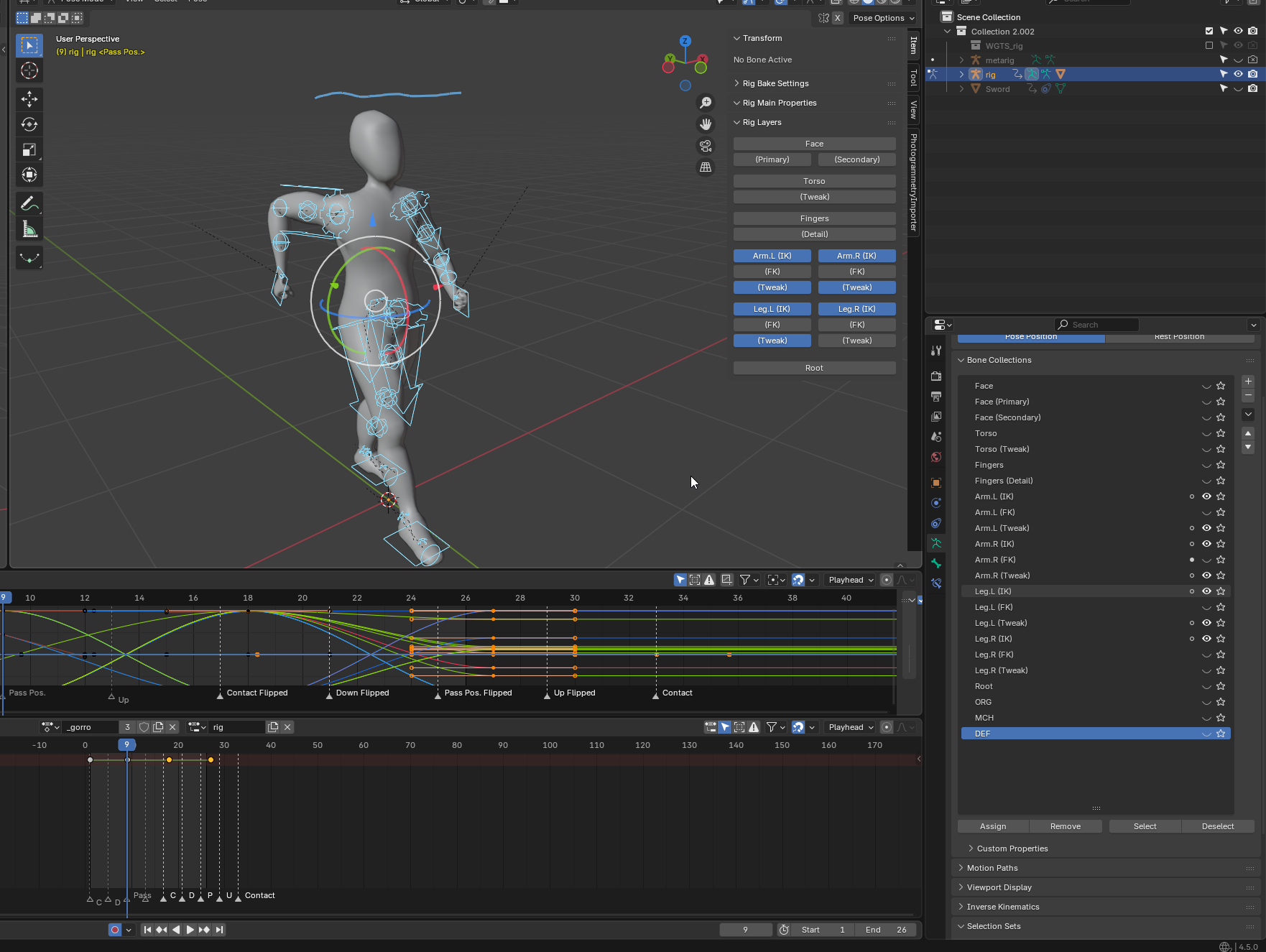
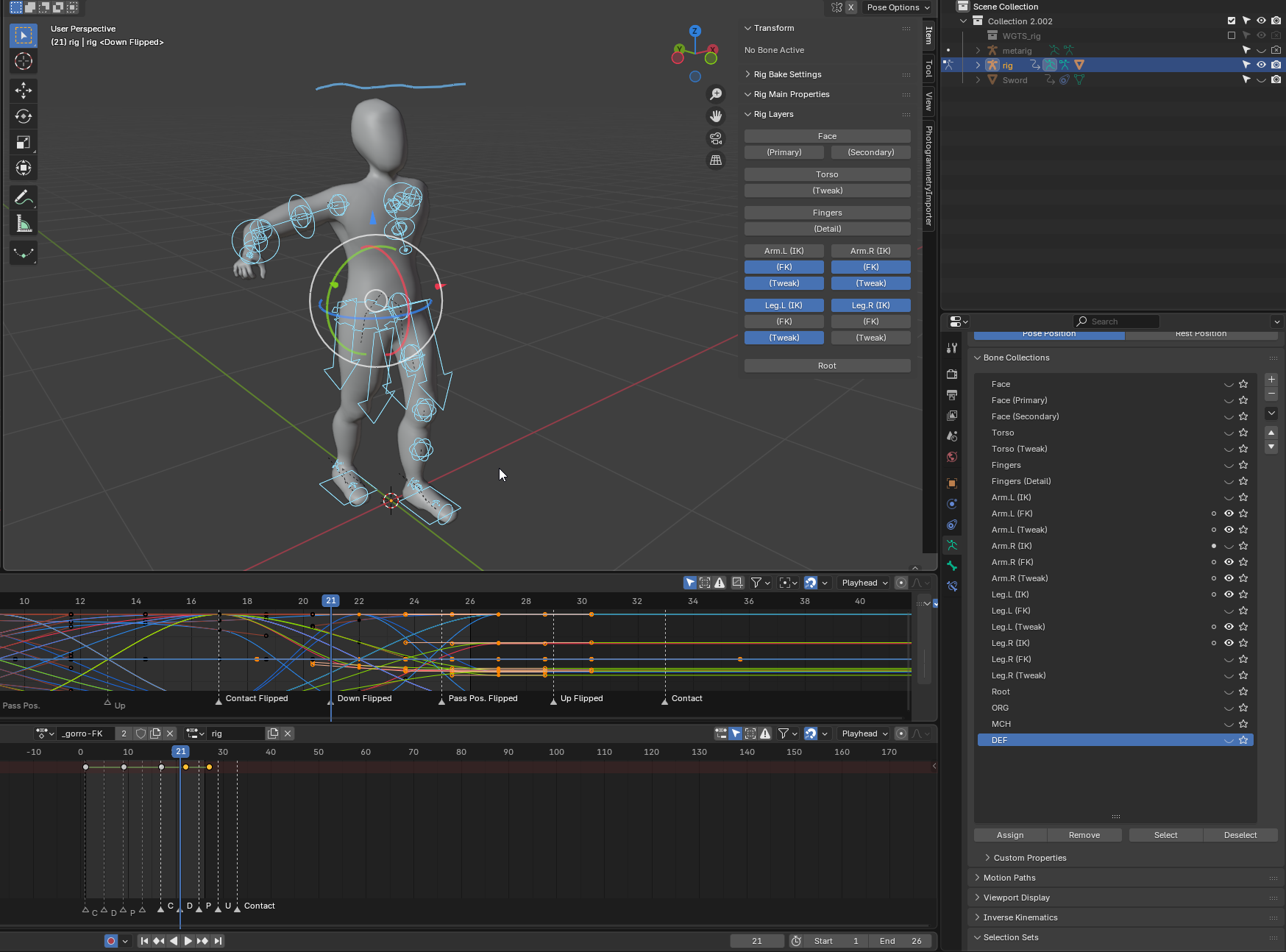
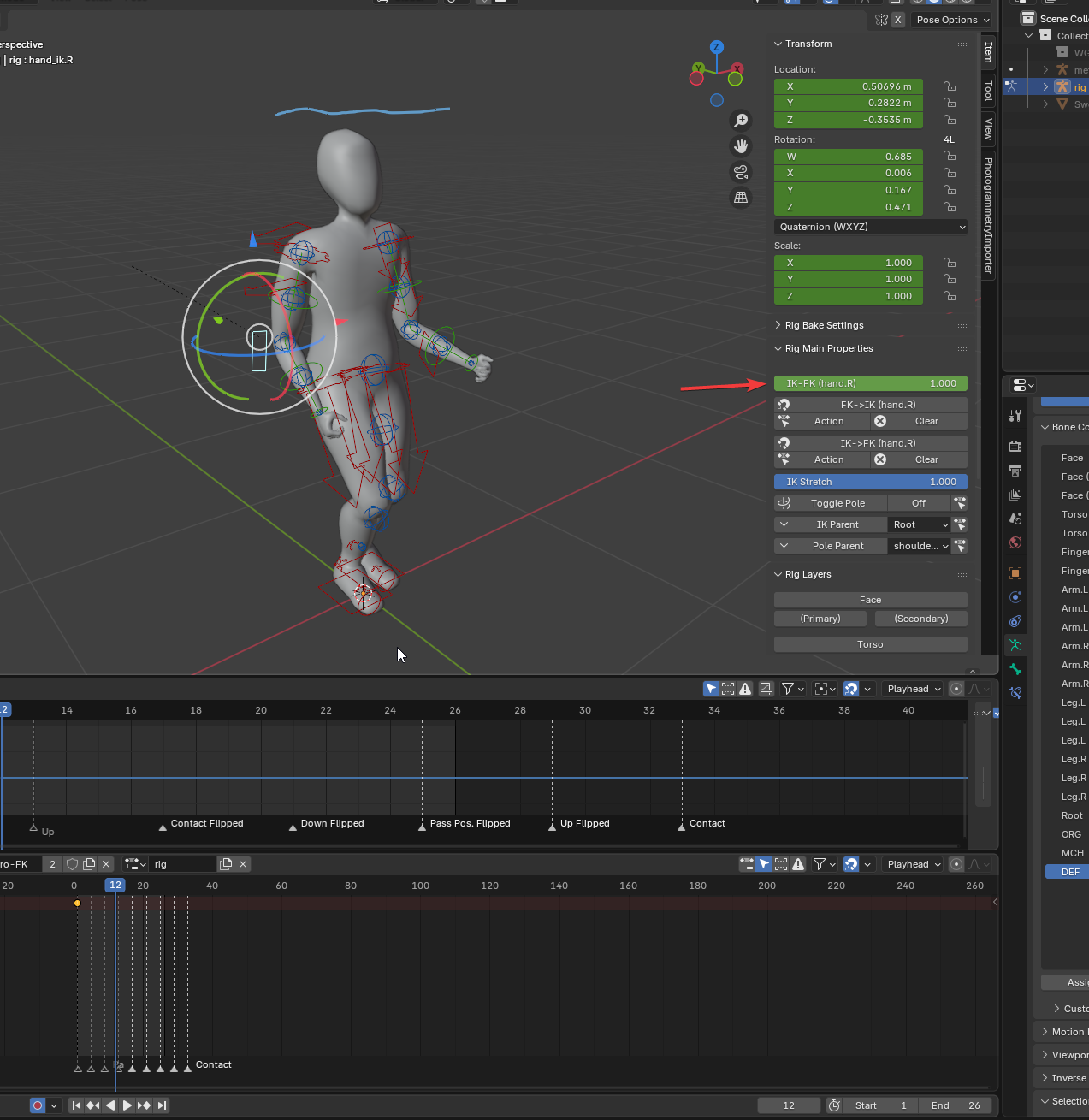
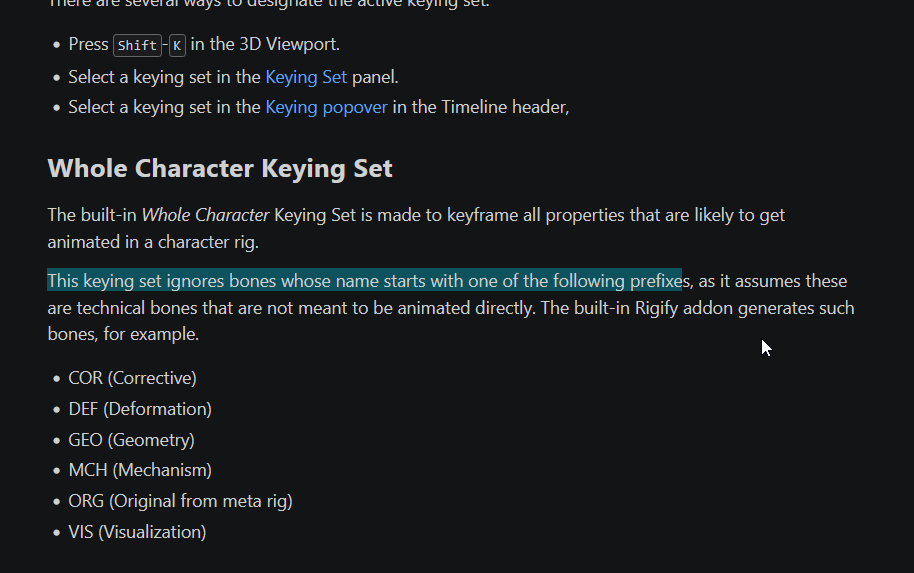
Next thing about NLA tracks. This is one approach yes. You can bake, as i have did few posts above, but also thanks to @xyz you can do, i mean if you animate from scratch, set keysets where you specify the bones you want to animate, so, you want to animate deform bones, so you select only deform bones, make a keyset, and just animate them (with caveats described in my last post). And in the end you end up with Actions, that don't need to be pushed to NLA tracks.
Ofc you can go the NLA track route aswell, it works both ways.
I havent played with premade animations like from mixamo, cuz they have license that i cant use in my envisioned project, so idk how you retarget those animations to your control rig or the bake rig, like you did in the video.
This video is a great demonstration for the add-on, but unless you understand how it works in blender and what is bake and control rig and other things, and what check boxes to mark and what to keep unmarked, it still feels overwhelmingly complicated 😃.
I might find it useful when i myself went through the painful part of understanding how to do it myself and make mistakes along the way so that i learn something.. For a production studio environment where time is money, it is a good investment to save on development time