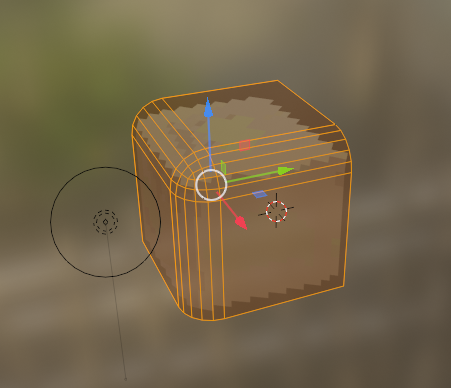
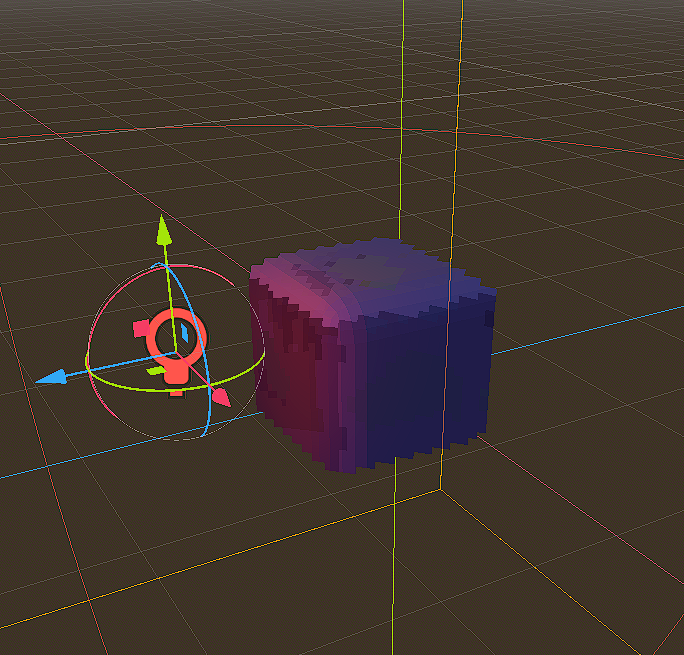
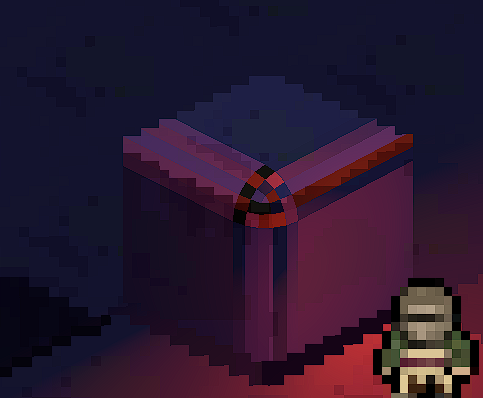
itgiawa Heres my mesh in blender: Here it is looking good in the editor: But in the game the shadows look chunky: Whats going on? and how can I make the game look like the editor?
Megalomaniak It looks like some of the surface normals might be inverted. In blender viewport header there should be a drop-down menu for overlays, towards the bottom half you should find a section for normals, toggle them on and see if any of the lines drawn as viewport overlay are pointing inside the mesh.