fire7side
Well im not that stupid, to not understand how roughness works in materials across multiple software.
https://imphenzia.com/imphenzia-pixpal
As it describes:
PixPal palette texture for Blender and game engines as seen in Imphenzia videos. Version 1.2 with Blender 4.3, Unity 6, Unreal Engine 5.5.1, and Godot 4.3 projects.
The Imphenzia PixPal is a tiny, powerful color palette system designed for low-poly 3D artists, game developers, and rapid prototyping workflows.
Instead of creating unique textures for every model, PixPal lets you colorize your entire scene or game using one single shared material and a super-small 128×128 pixel palette texture (fully public domain / CC0).
Key features:
Apply one material to hundreds or thousands of objects — perfect for performance and fast iteration
Select colors, emission/glow, metallic, roughness, and even animated effects by simply mapping UVs to tiny spots on the palette texture
Built-in support for emissive neon/glow with bloom, metallic surfaces, mirrors, and cycling animated colors
PBR-ready with BaseColor, Emission, and Attributes maps — all packed into just a few tiny files
Minimal texture memory usage and draw calls — ideal for games, videos, prototypes, and low-poly aesthetics
Cross-engine ready with official example projects for:
Blender (Eevee & Cycles, Asset Library compatible)
Unity (URP & HDRP)
Unreal Engine
Godot
Community ports available for many other engines and tools
So this is how it should look:
Blender:
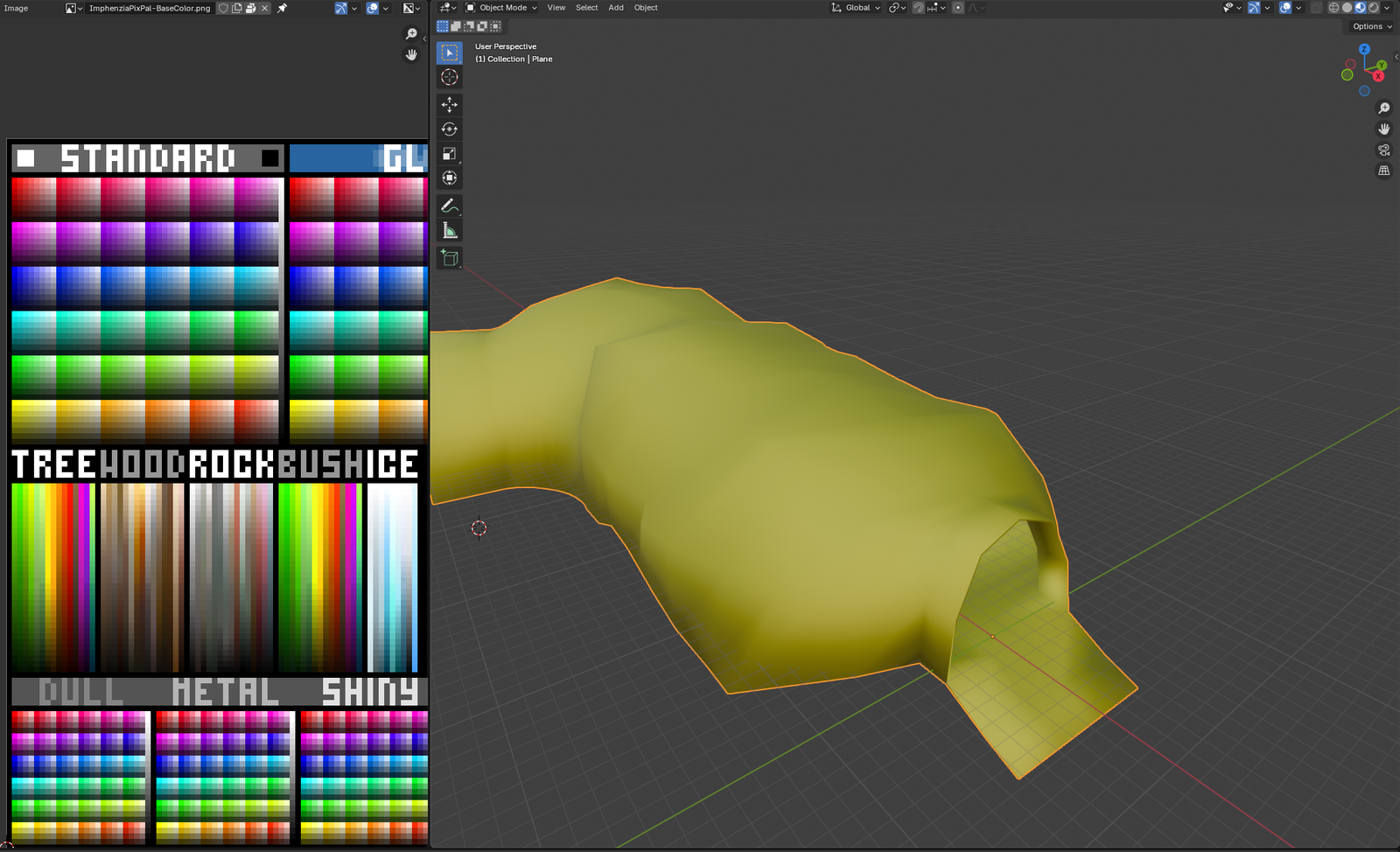
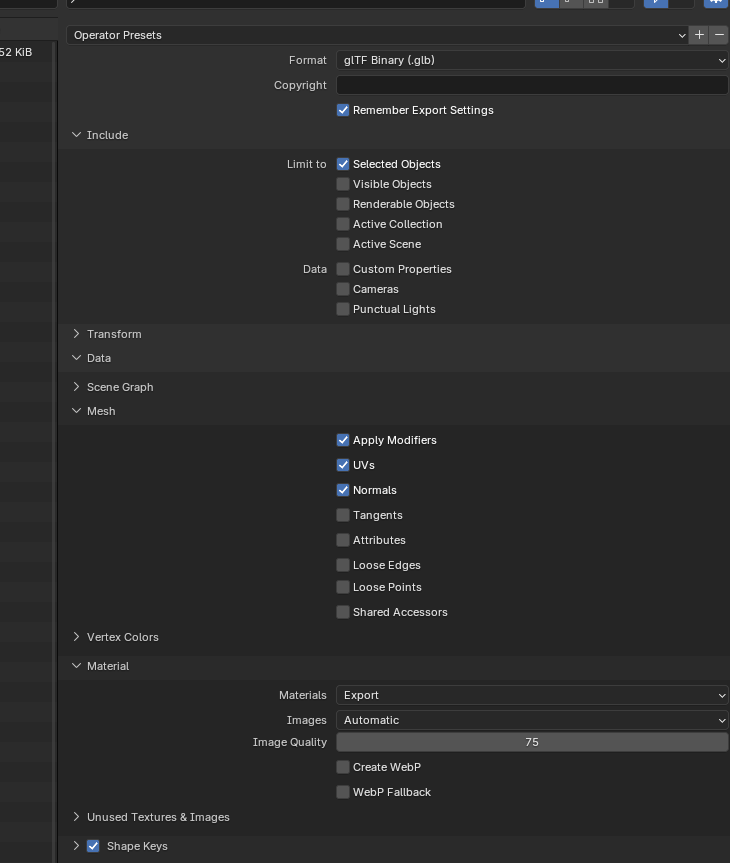
In godot it looks like this:
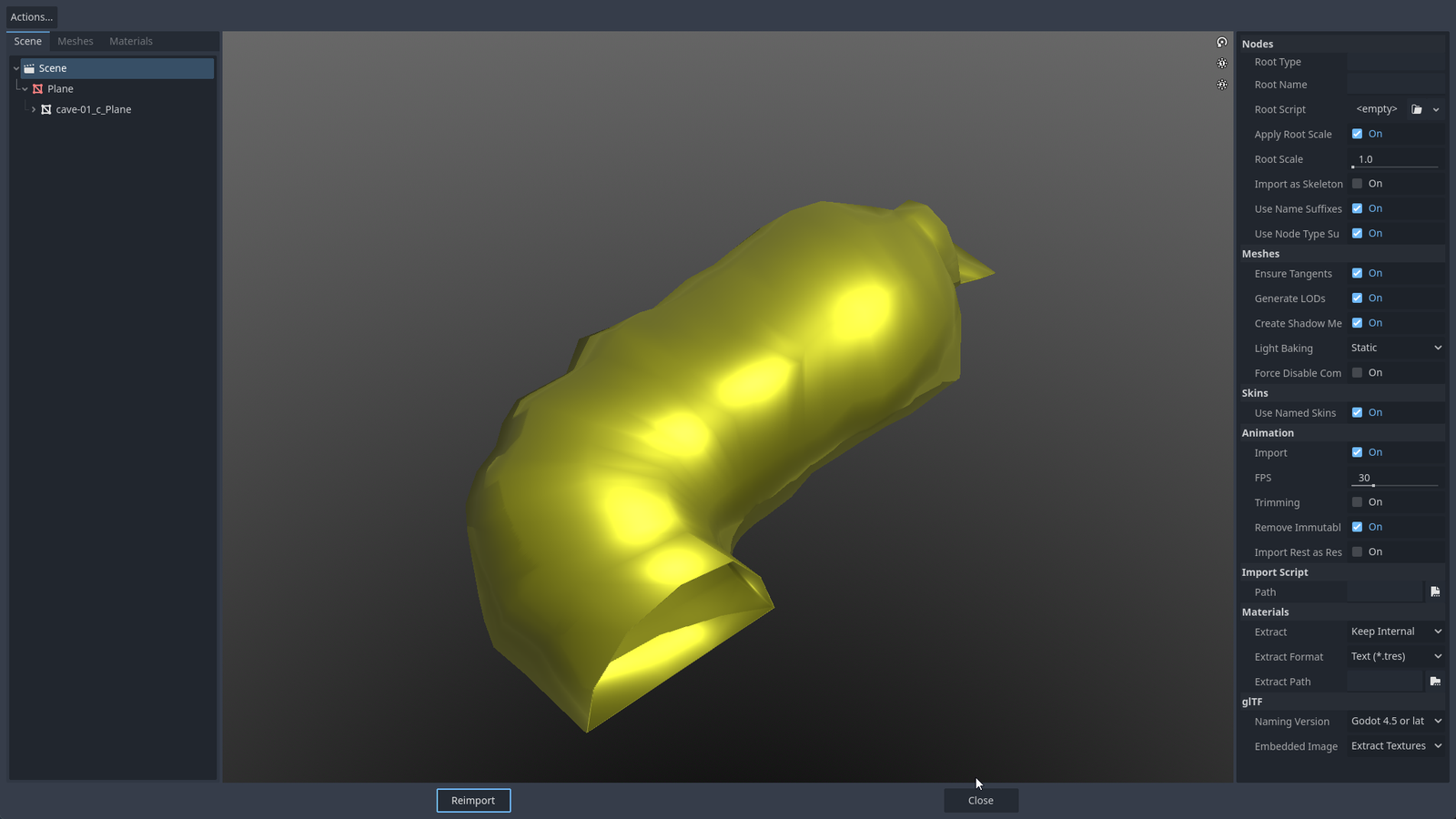
You might say it dont use the correct material (kinda)
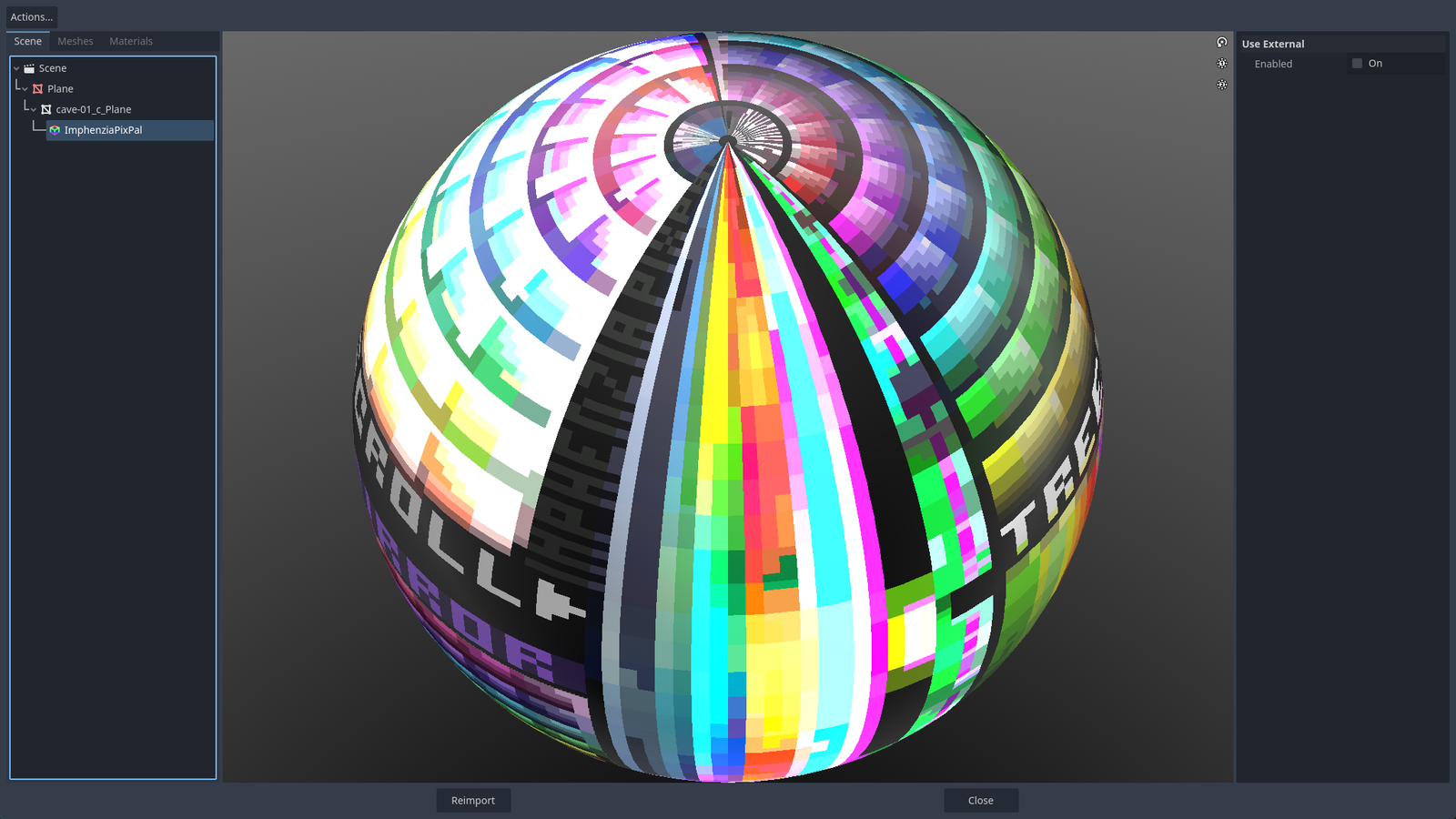
Looks correct
The example godot project looks correct
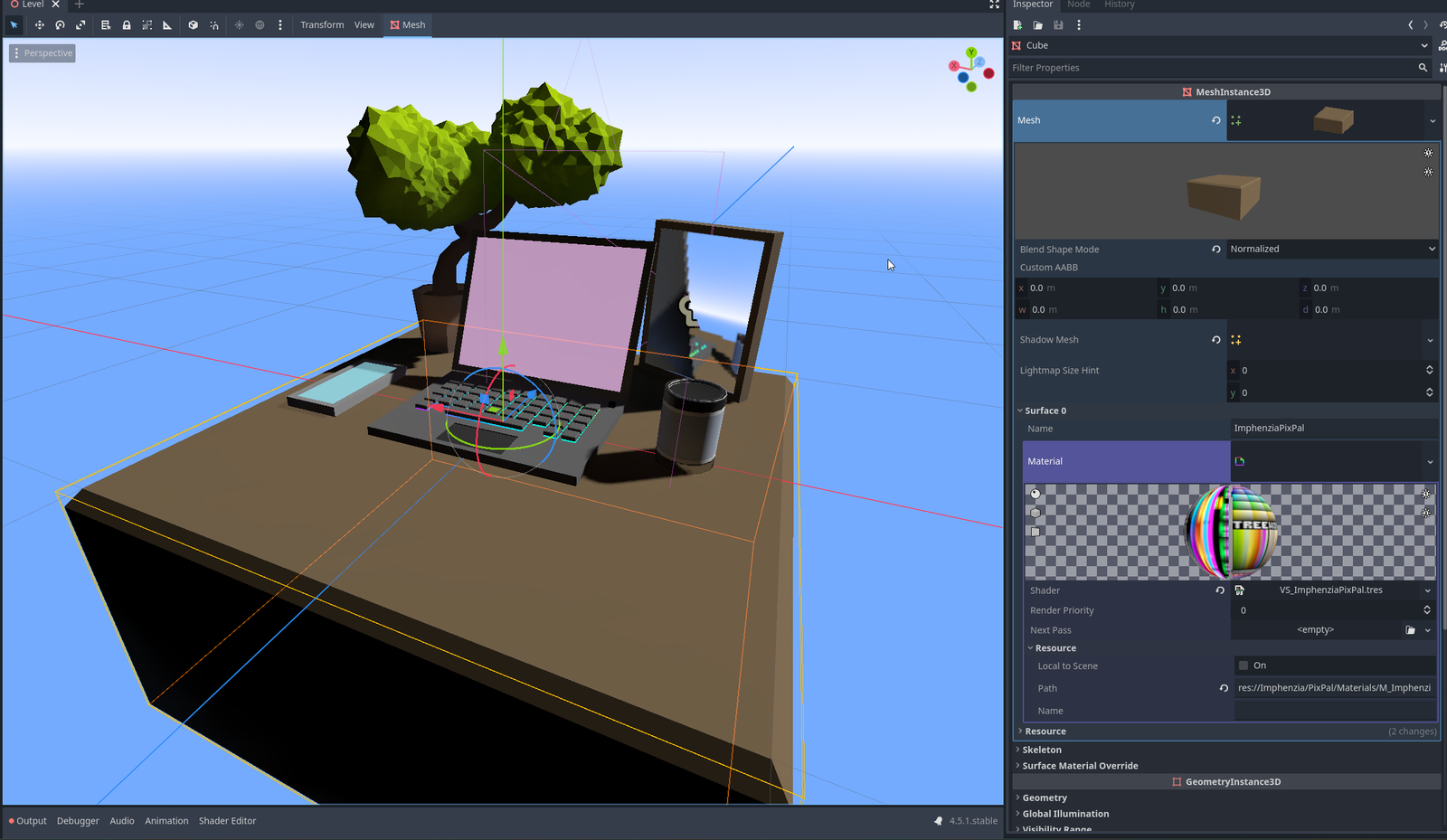
No shine. No reflection (on the cube/table)
After trial and error, what i discovered is that the materials are not correct.
The imported mesh, get the "material" correct but the type is incorrect.
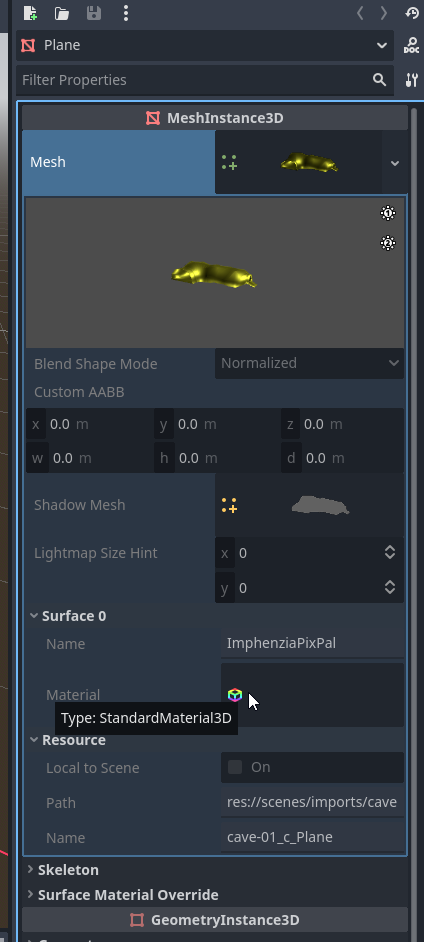
VS
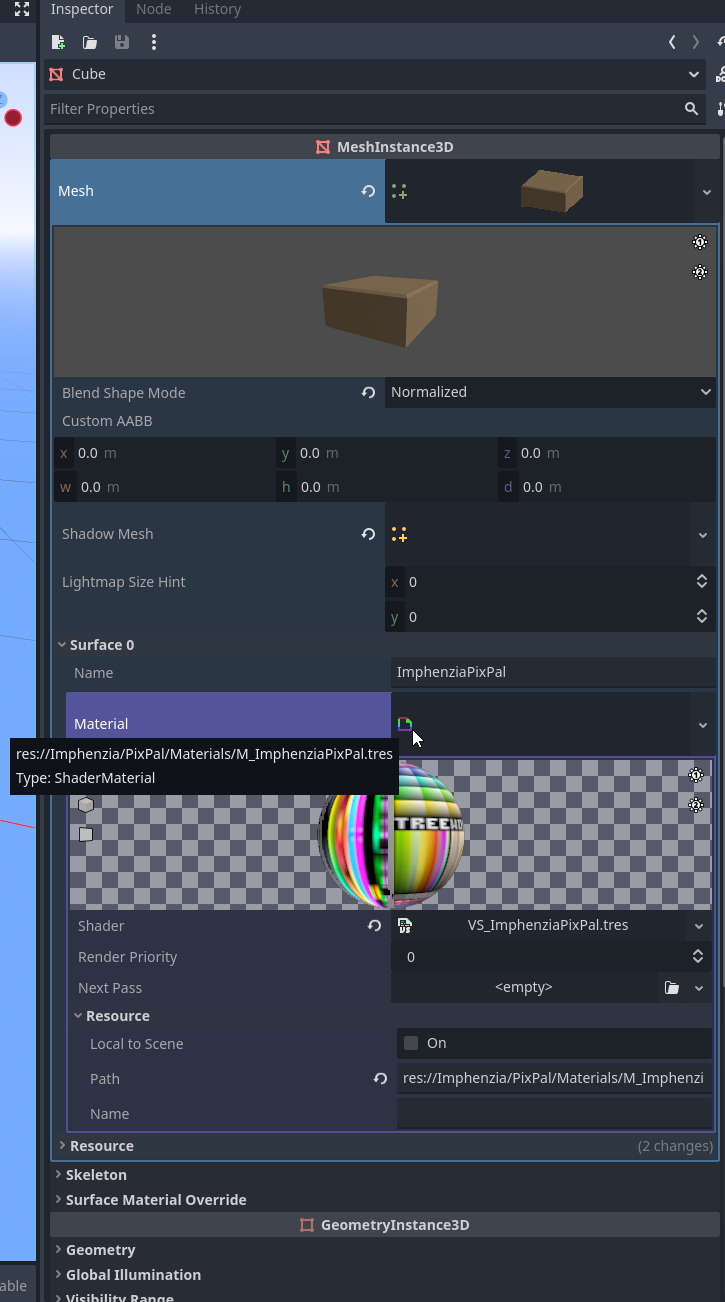
I have no idea how to force the gltf/glb imports to have their materials set in Godot to ShaderMaterial instead of StandardMaterial
Setting it here doesnt seem to change the material type
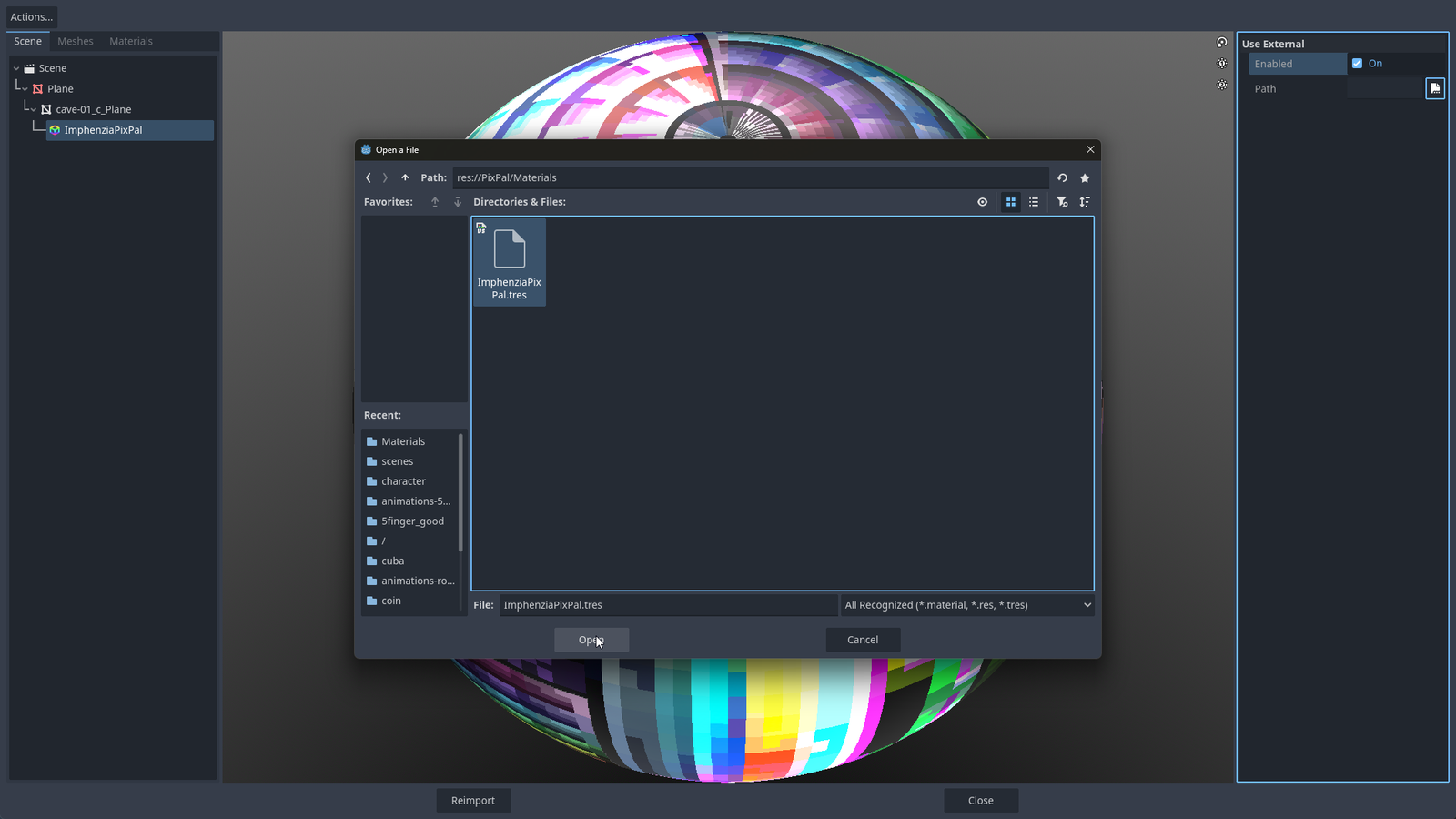
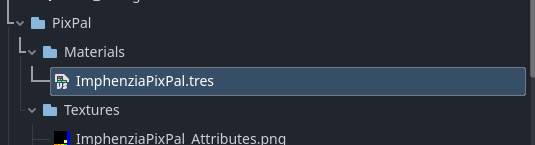
So my solution that i found that works, is to set the material here.. that means youll have to set it for every mesh manually..
If anyone know how to make it import gltf with shader material, let me know.
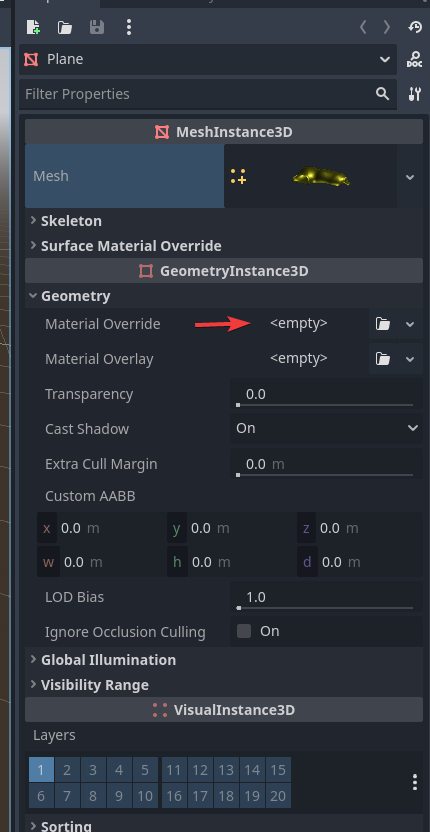
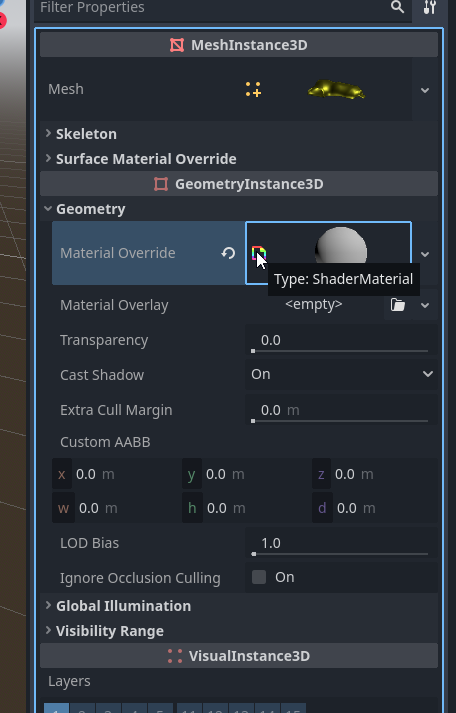
This material comes with the download of the template. For game engines and for blender.
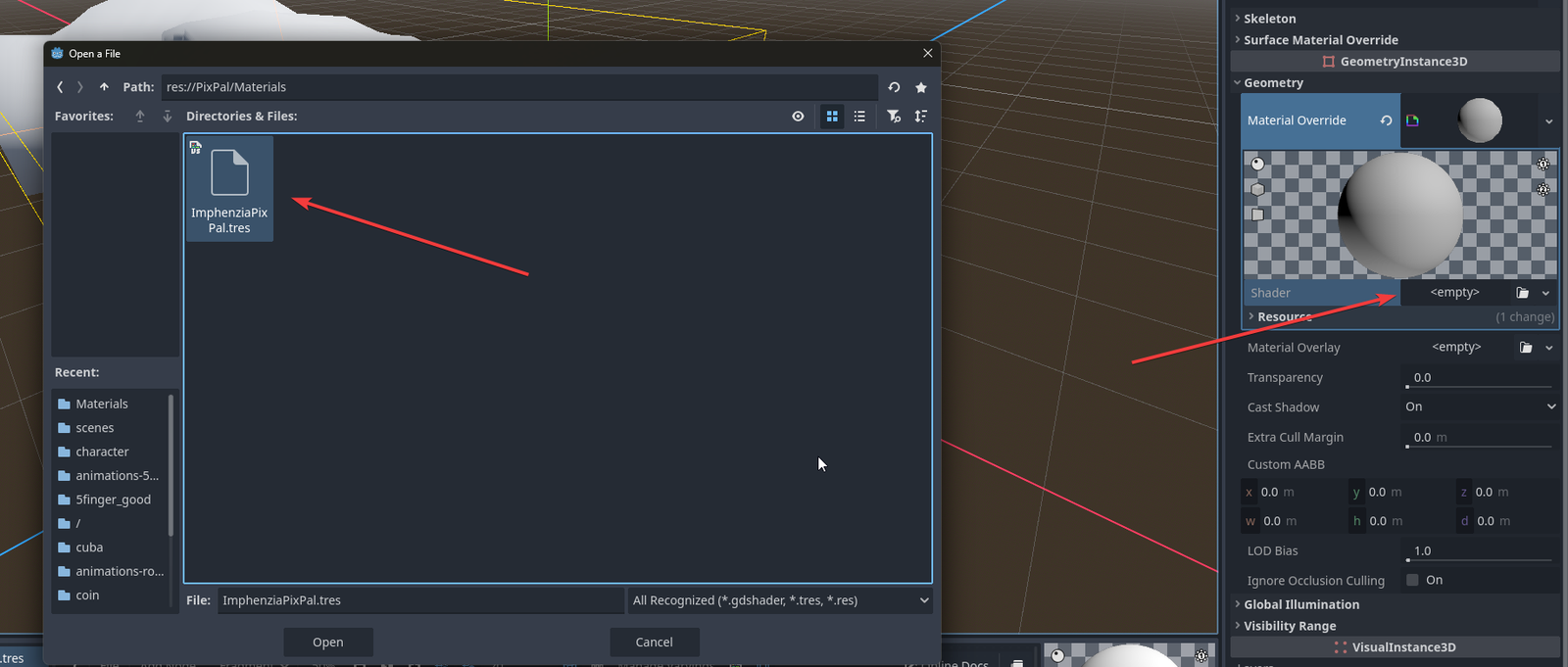
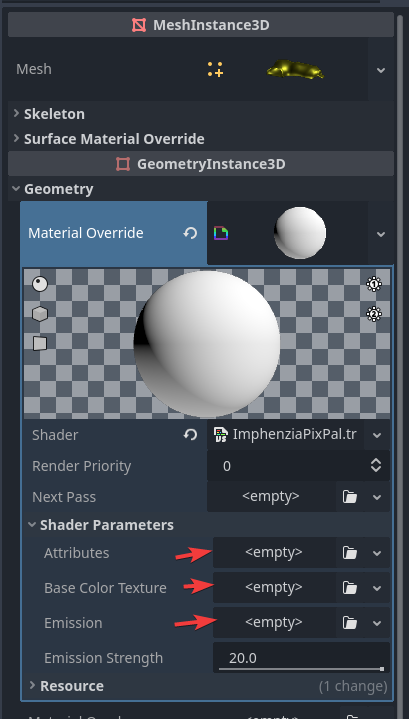
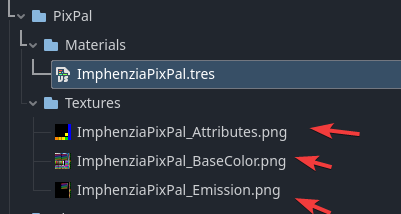
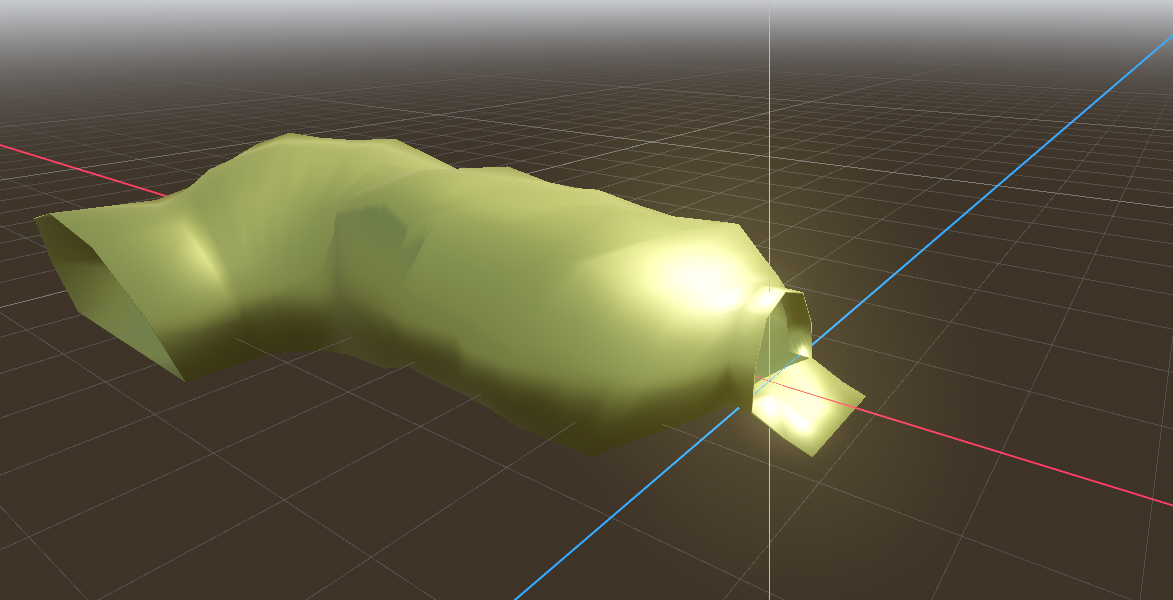
Ofc, you need to set the world environment to correct settings, havent explored this yet. but its not super shiny.
With my current world lighting
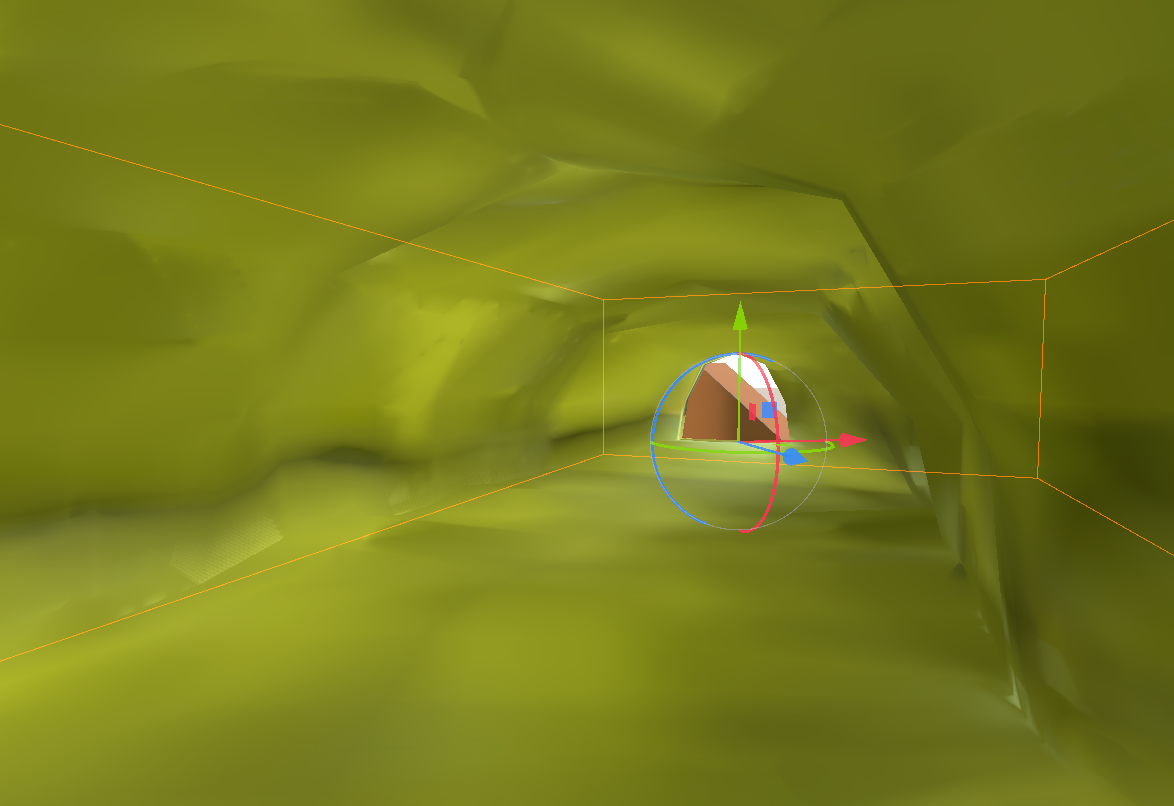
And the uncorrected material - super reflective
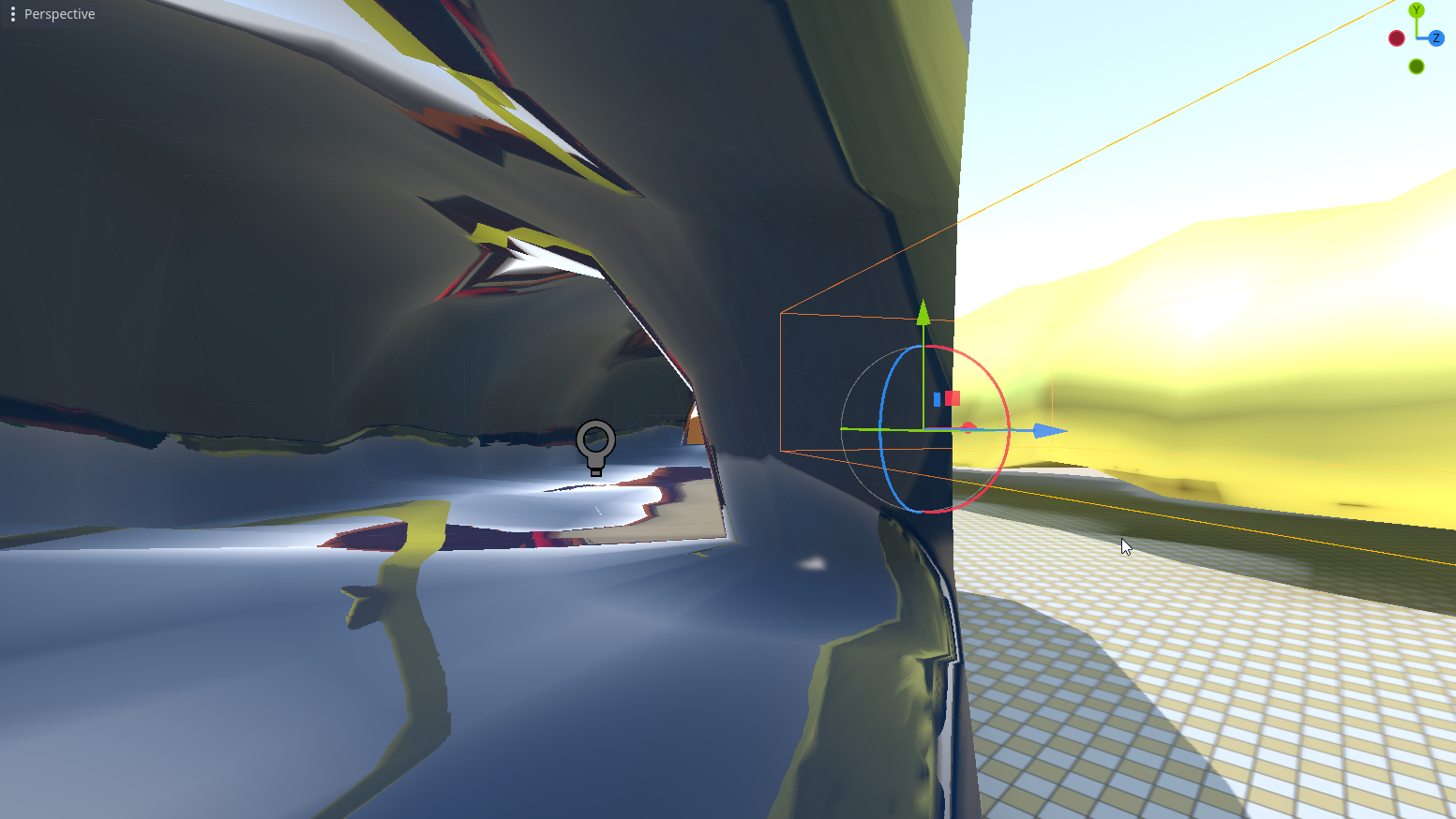
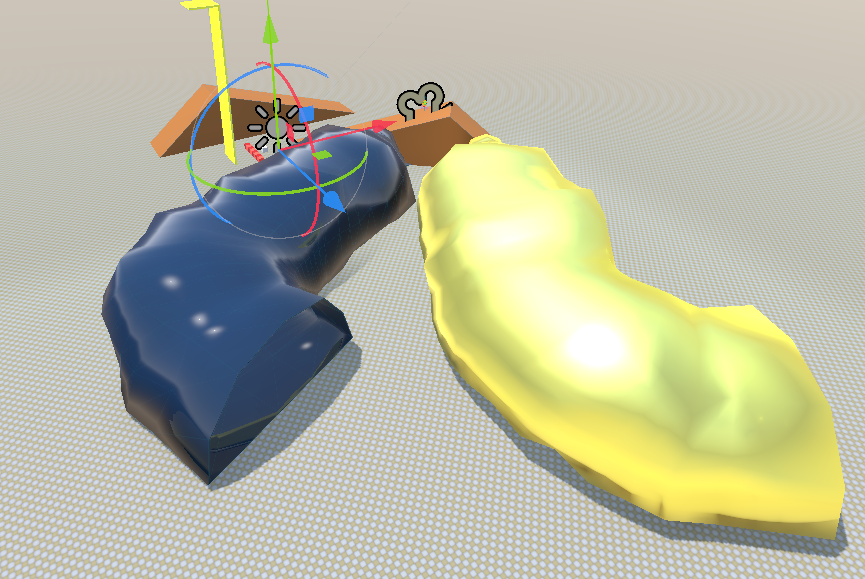
Next step to figure out world environment settings so that it looks close to what it looks in blender.
And question for you guys: If anyone know how to make it import gltf with shader material, let me know.
