In my game I need all the UI to stretch keeping aspect as the window size increases, and I found setting the main windows Stretch/Mode -> canvas_items and Stretch/Aspect-> expand to be the best solution.
However, I have a screen shader that I would not like to stretch in the same way and always stay the same size as the window.
Eg. If my base resolution is 864x648 and I maximize the window to 1920x1080, the screen shader should run on the post stretched screen of 1920x1080 and not on the base resolution. But as I have found out, that does not seem to be the case.
I am using this public shader to quantize the 3D scene before adding on the UI (Arbitrary Color Reduction and Palette Ordered Dithering)
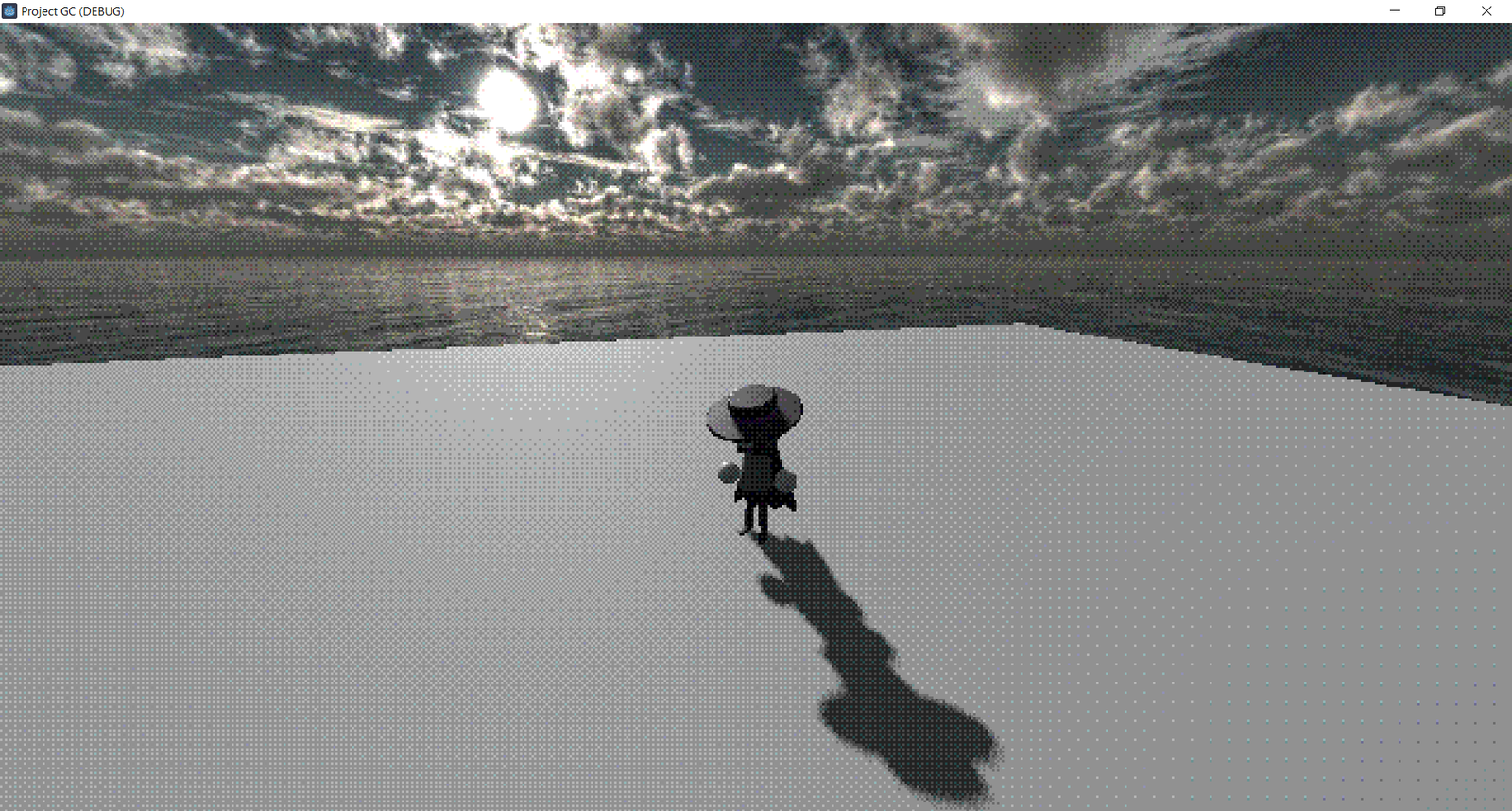
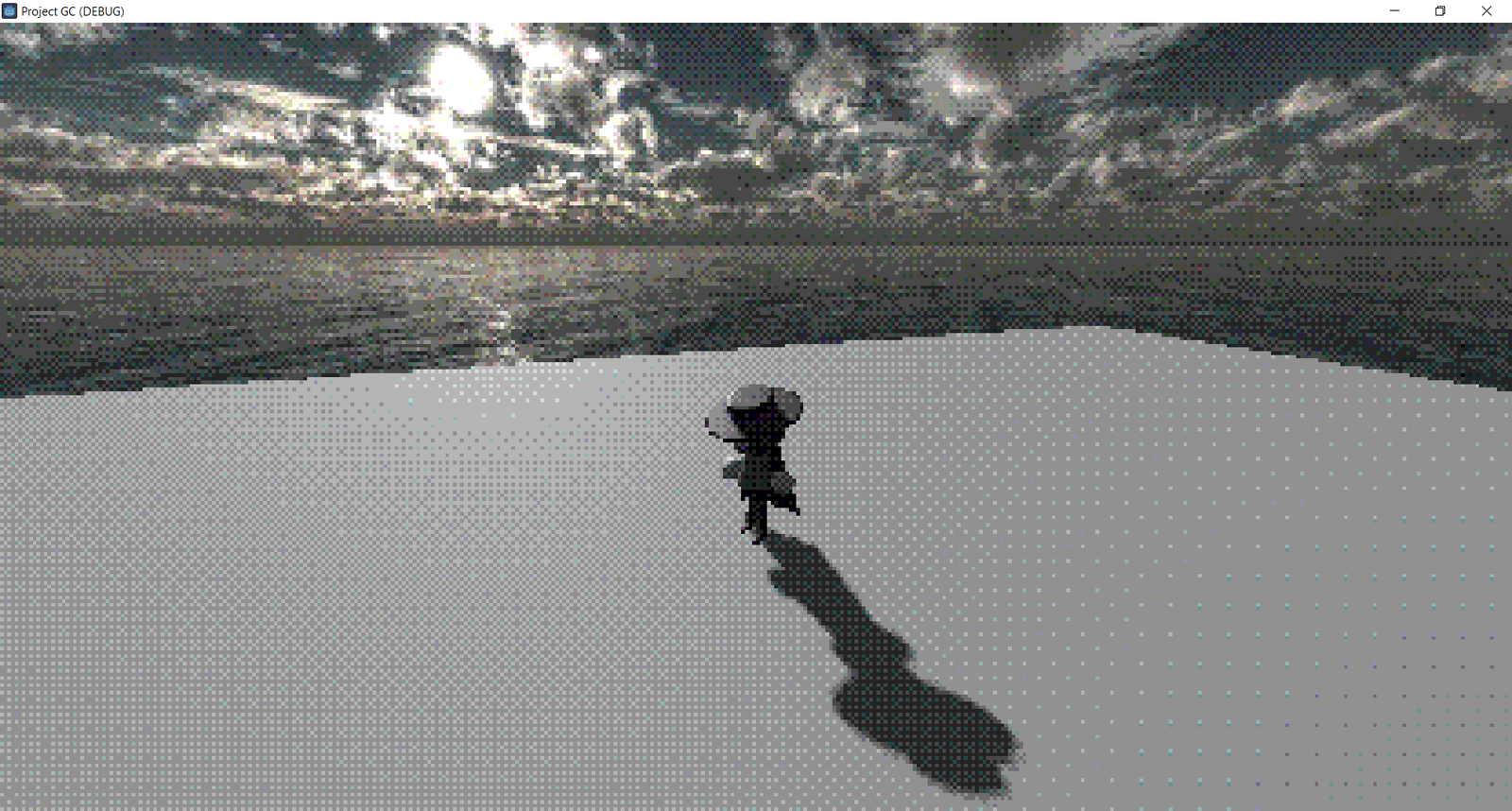
Here you can see the scaling affecting the viable pixels
Before window canvas_item scaling
After window canvas_item scaling
Possible solutions:
I have experimented correcting the UVs in the shader, but I believe the shader is run on the base resolution texture and then upscaled, so I don't think this is a solution.
I have also tried to render the 3d scene to a subviewport and run the shader on that, however I have not been able to get the viewport to scale properly to the window, as using a subviewport container and setting it to stretch just stretches it the same as all the other UI negating the whole point. I have also tried to manually scale the viewport but I was not able to get it to be one to one with the window even using get_tree().root.get_window().size
Any help or insight would be great! If you even have a work around that would help achieve the same effect, I would also appreciate that!
