Hi,
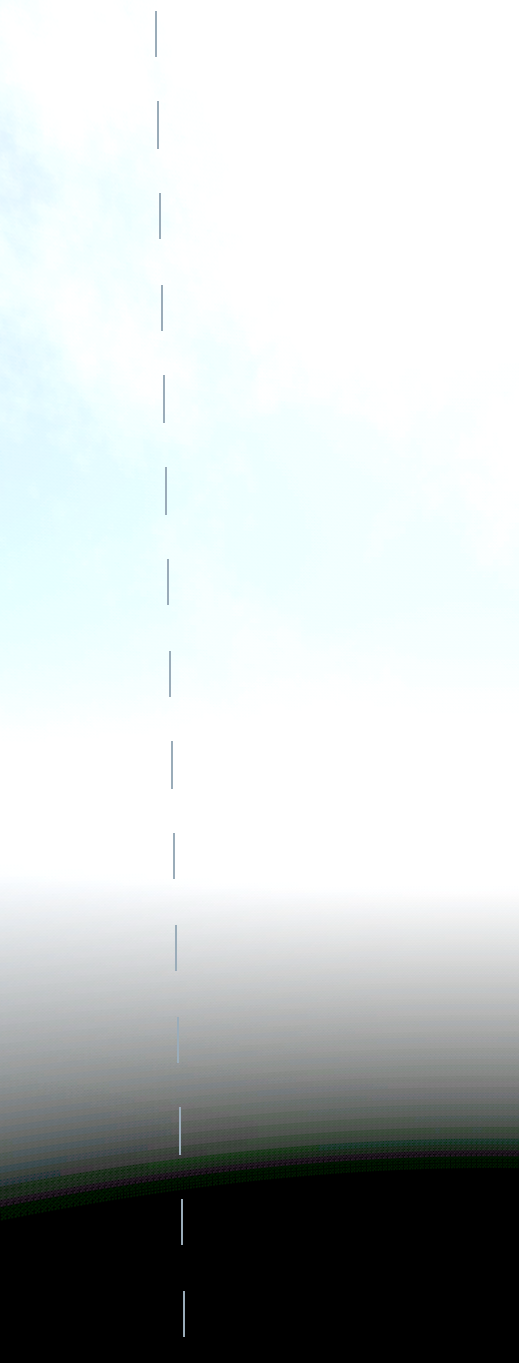
I have created my own skybox texture in Blender which I am using in a sky shader for the world environment node. Setting up the shader to sample the texture for the color was simple enough, but there's this ugly seam (See image), presumably where the skybox sphere uvs wraps around, that I have no clue how to remove. The texture itself is seamless, as Blender had no problem to display it without the seam. Also, if I use the texture in a Panorama Sky Material instead of as a Shader Material, the seam does not present itself. As a final confirmation the texture is not at fault, I animated the texture in the shader using the TIME variable, which rotates the texture – the seam does not move.
Any clue as for why this happens? I've included the very simple shader code below.
shader_type sky;
uniform vec3 skyColor : source_color;
uniform sampler2D skyTexture;
void sky() {
COLOR = texture(skyTexture, vec2(SKY_COORDS.x + TIME/500.0, SKY_COORDS.y)).rgb;
}