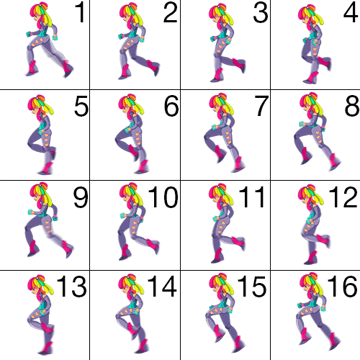
paleo-namadicus Sprite size is very likely the issue. You concluded yourself that it works if you halve the resolution. So the large resolution is obviously causing problems.
This is not the way to do full screen animations. The size on the disk you mentioned is for LZW or lossy compressed images. Your graphics card can't use such compressed images directly. It must decompress them before storing them into video ram buffers. The size of a non compressed full hd frame with an alpha channel is around 8 megabytes. Mere two seconds of 60 fps animation of this kind will eat up a gigabyte of your video ram. An RTX 4060, for example, could only handle 15 seconds of such animation, and that's if it doesn't have to display anything else. There may be other problems with using textures of this size for animated sprites, some GPU and some engine related.
Godot has a very good set of profiling and monitoring tools that let you see what's happening with machine's system resources. So open the "Monitors" tab in the debugger and check the video memory status. You can also profile the performance with some of these tools. This can help you determine what exactly is causing frame drops in most situations.