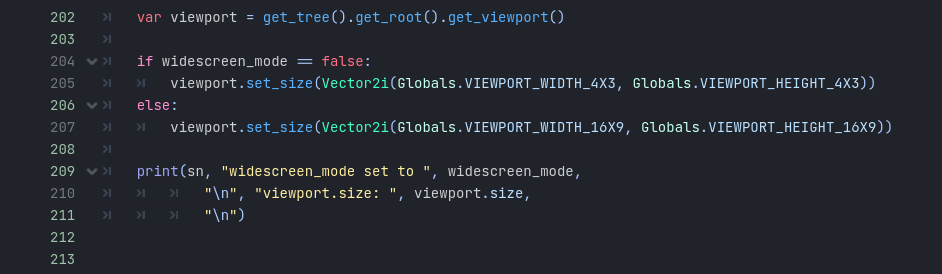
DaveTheCoder Previously, I was working on the window size. That was before I realised the (slightly obvious) difference between window size and viewport size. Since the end user can just resize the window themselves, this is a little redundant, other than for making some quality-of-life features.
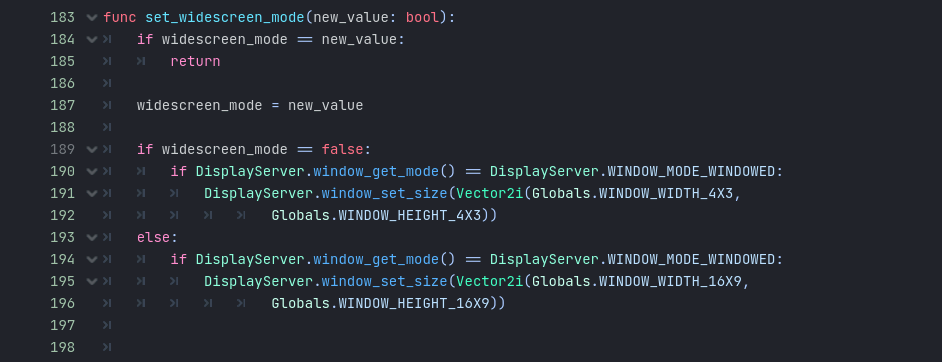
After that, I scoured the docs for ways to change the viewport size, but could find no clear answer. That's when I started this thread.
cybereality Thanks for the suggestion. I've tried it, but it seems not to be acting upon the base viewport, which is still retaining its default widescreen aspect ratio, resulting in a 4x3 window with black bars - the same result as if I'd still been setting just the window size.
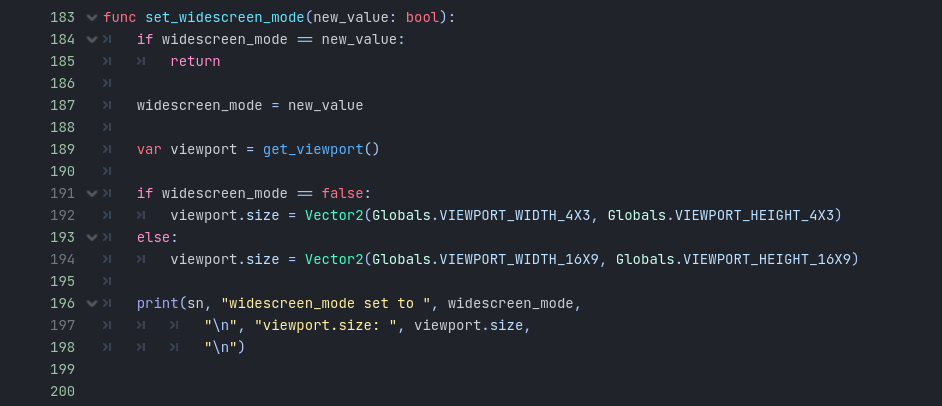
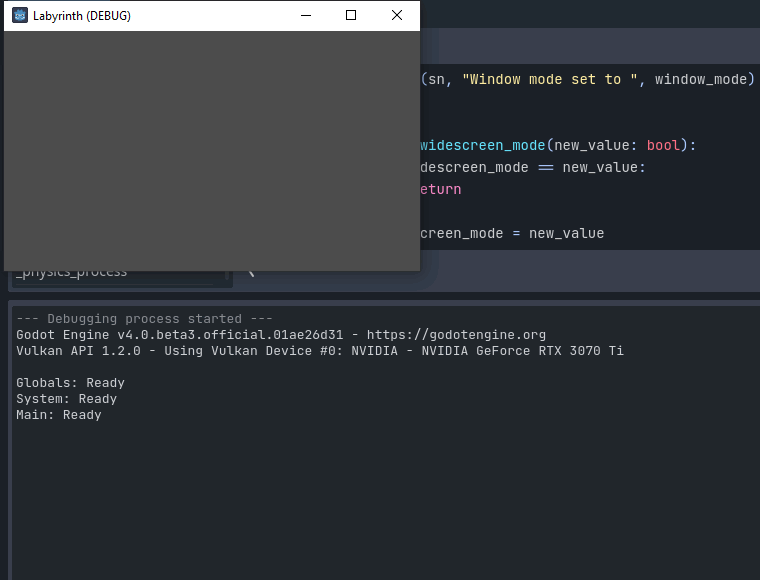
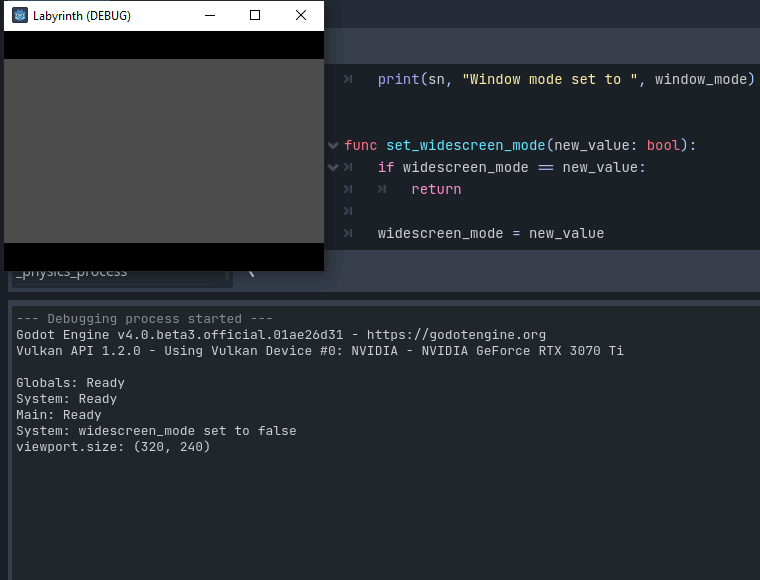
It's also overriding the scaling settings; in fullscreen or a maximised window, the viewport no longer stretches to fit the screen, though I'm guessing I could re-add the scaling settings after setting viewport.size.

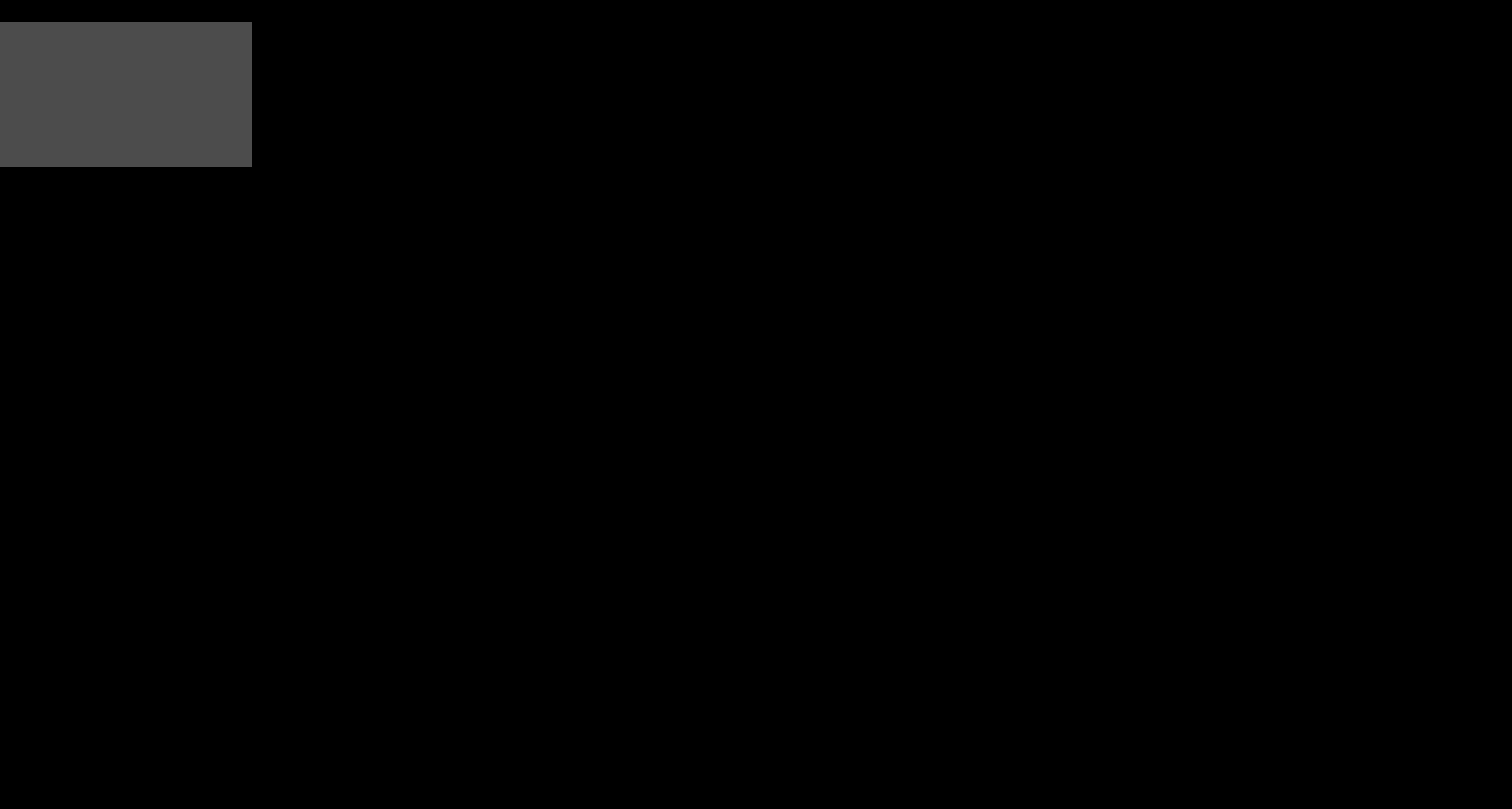
For science, I've also tried using viewport.set_size() as both a Vector2 and a Vector2i, and getting get_tree().get_root().get_viewport instead, and the result is still the same in all cases.