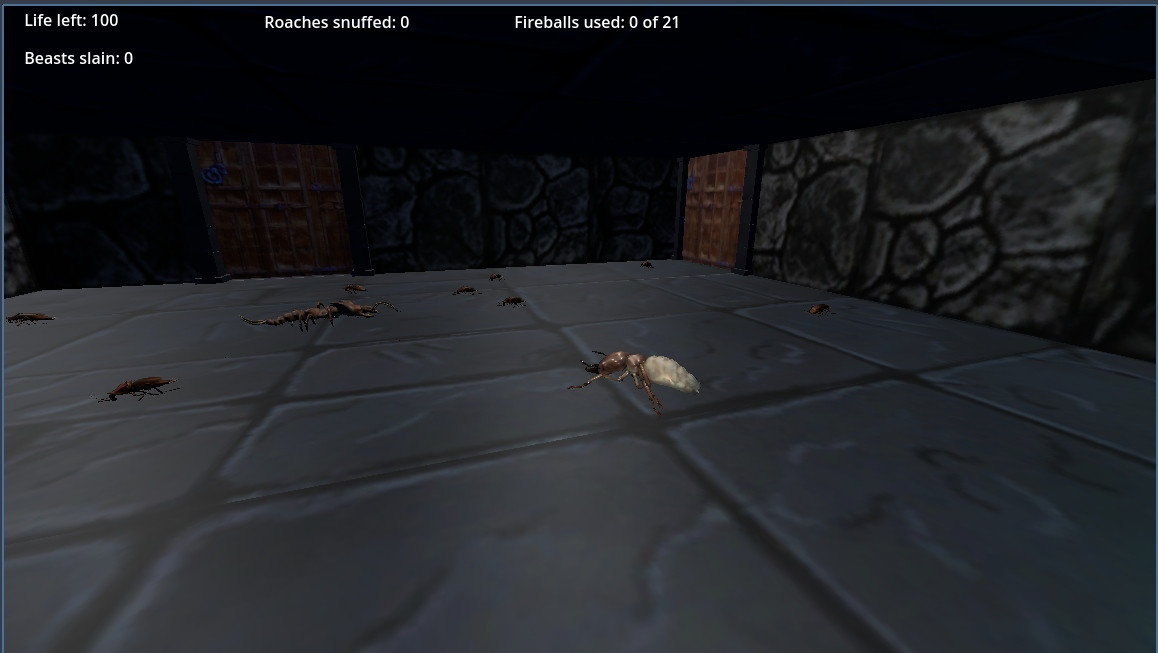
I have been making a Dungeon game for several years now; it works quite well, but now I have the need to Save, and therefore Load, a Dungeon Level, so as not to have to start all over each time. I have code for saving all the Global Variables to a Dictionary, and can reload this Dictionary. This suffices for objects in the Level_1 Node Tree. However, I have Beasts created by code, which are not visible in the Level_1 Node Tree, which I need to address. My 'get_node' request, from a Global Function, fails, as the node is not in the Level_1 Tree. Is there a way of addressing these 'Beast' nodes (which exist; they scurry around in the Scene quite gaily...), please..? Here's some code snippets, which I hope will give enough context to recognise the issue...
` # Creation of Beasts at start of Level_1, in res://Scenes/Levels/Level_1.gd, attached to scene '/root/Level_1'...
lv_bug = lv_term_brow_scene.instantiate()
lv_spaw_poin_1.add_child(lv_bug)
lv_bug.name = "Term_Brow"
lv_bug.global_transform.origin.x = 8
lv_bug.global_transform.origin.z = 14
lv_bug.global_transform.origin.y = 0
#print("Brown Termite spawned")
lv_bug = lv_cent_brow_scene.instantiate()
lv_spaw_poin_1.add_child(lv_bug)
lv_bug.name = "Cent_Brow"
lv_bug.global_transform.origin.x = 4
lv_bug.global_transform.origin.z = 14
lv_bug.global_transform.origin.y = 0
#print("Brown Centipede spawned")
# Save Game Function, in 'Global Functions.gd', which is autoloaded by the Project...
func save_leve_1():
print("Save Level 1")
var lv_save_game = SaveGame.new()
#for node in get_tree().get_nodes_in_group("Savable"):
## Save the parent of the 'Savable' node.
var lv_to_save = Savable.new()
var lv_node_data = {
#... other stuff
"gv_play_posi_save" = GlobalVariables.gv_play_posi_save,
"gv_door_1_open" = GlobalVariables.gv_door_1_open,
#...more stuff
}
lv_save_game.data[lv_to_save.get_path()] = lv_node_data
var error = ResourceSaver.save(lv_save_game,GlobalVariables.gv_save_file)
if error != OK:
push_warning("Couldn't save: %s" % error)
# Load Game Function, in 'Global Functions.gd', which is autoloaded by the Project...
func load_leve_1():
print("Loading 'Level_1'...")
GlobalVariables.gv_save_file = GlobalConstants.gc_save_leve_1
await get_tree().create_timer(1.0).timeout
var lv_save := ResourceLoader.load(GlobalVariables.gv_save_file)
for path in lv_save.data:
var lv_data = lv_save.data[path]
# Data is a dictionary with node properties as keys.
var lv_node = get_node("/root/Level_1/Globals")
for property in lv_data:
lv_node.set(property, lv_data[property])
# This works, as the object "Player' exists in the Level_1 tree...
lv_play = get_node("/root/Level_1/Player")
lv_play.global_transform.origin = GlobalVariables.gv_play_posi_save
if GlobalVariables.gv_door_1_open == true:
# This works, as the object "Door_1' exists in the Level_1 tree...
lv_door_1 = get_node("/root/Level_1/Doors/Door_1")
lv_door_1.global_transform.origin.y = lv_door_1.global_transform.origin.y + 5
# These next two do not work, as these Beasts were created by code in Level_1, but are not visible in the tree as Nodes...
var lv_beas_1 = get_node("Term_Brow")
lv_beas_1.global_transform.origin.y = lv_beas_1.global_transform.origin.y + 5
var lv_beas_2 = get_node("Cent_Brow")
lv_beas_2.global_transform.origin.y = lv_beas_2.global_transform.origin.y + 5`
Thanks in advance for any helpful observations.